Visualizing garden plans in client meetings: when it helps and how to use it
When a visualization helps in a client meeting, how 3D and AI visualization differ, how to use the image and how to measure in your own business whether it pays off.
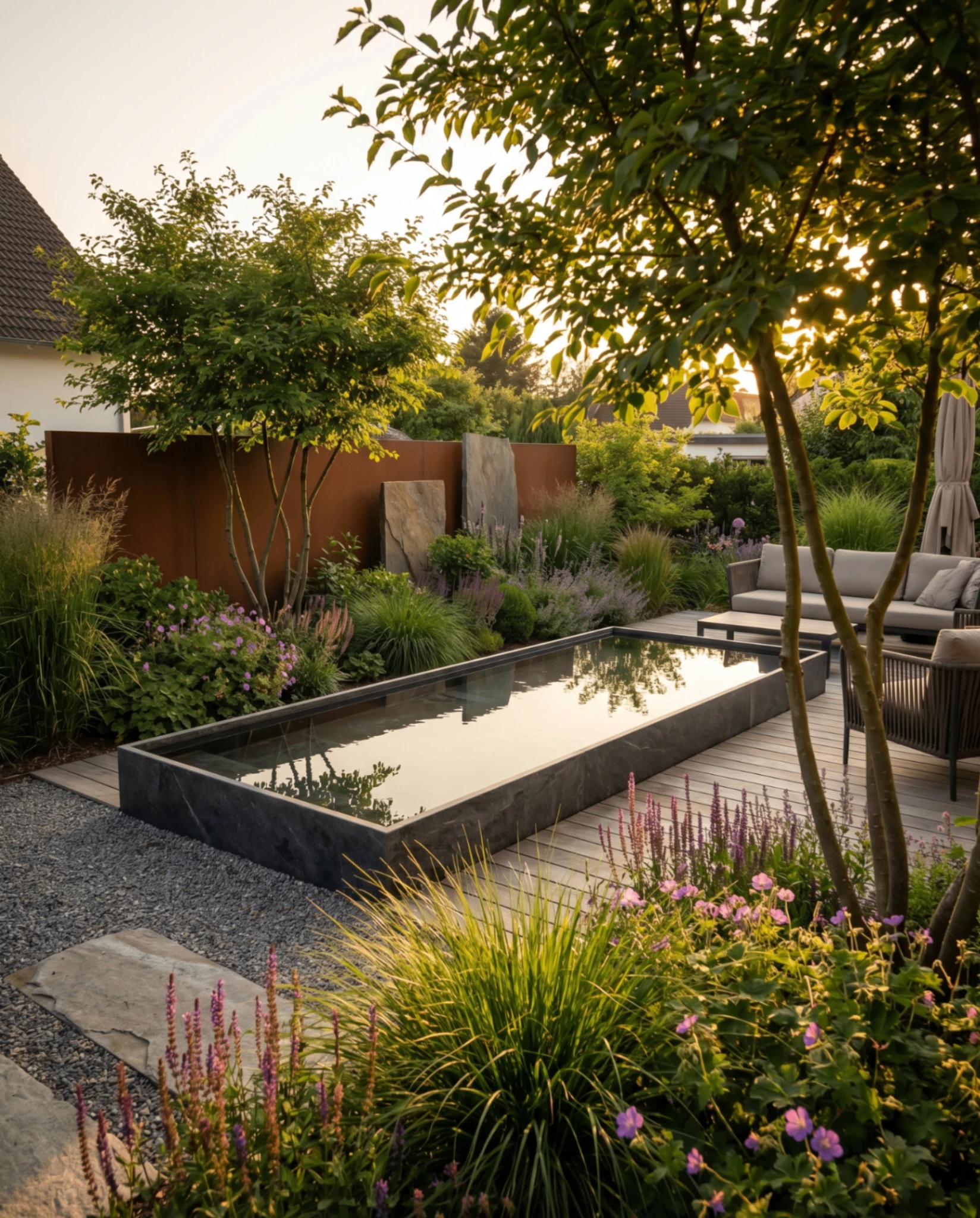
Private clients decide on a garden they cannot see yet. Plans, material samples and reference photos of other gardens only help to a limited extent. A visualization on the photo of their own property closes this gap. This article shows how classic 3D visualization and AI visualization differ, at which point in the quoting process an image has the greatest effect, how to use it in the meeting and how to check in your own business whether it pays off.
In short: Show the image after the needs analysis and before the quote, not only with the quote. Use it to make objections concrete, and give it to the client to take home. Say openly that it is a design idea and not construction planning. Whether it increases your closing rate is best measured yourself: there is no independent figure on this for Germany.
Why plans reach their limits in the first meeting
Layout plans, planting plans and material lists are indispensable for construction and costing. In meetings with private clients, they have one weakness: the client has to imagine the result themselves.
- Top views do not show the height effect of trees and shrubs, walls or pergolas.
- Material samples are hard to place in an overall picture one by one.
- Plant lists tell a layperson little about density, colour and growth habit.
- Reference photos show other gardens. The question “Does this suit us?” remains open.
The result is follow-up questions, change requests after the quote and clients who want to “sleep on it”. The problem is rarely a lack of expertise, but a perception gap between plan and imagination.
3D visualization or AI visualization?
Both routes lead to an image of the future garden, but in different ways.
| Classic 3D visualization | AI visualization on the photo | |
|---|---|---|
| Basis | a model from your planning (CAD) | a photo of the existing garden and a description of the wishes |
| Accuracy | as accurate as the model, to scale | design idea, proportions estimated |
| Effort | build the model, assign materials, render | upload a photo, describe the wishes, result in minutes |
| Requirement | software and someone who can use it | no CAD knowledge needed |
| Strong for | planning close to construction, large projects | first meeting, variants, early decisions |
For working drawings with sections and details, CAD remains the tool of choice. For the first meeting and agreeing on the direction, a visualization on the client's own photo is often the quicker route, especially for businesses without their own planning department. That applies to most of them: according to the industry statistics of the BGL (the German landscaping trade association), 73 percent of businesses in garden and landscape construction have no more than five workers.
Where the image has the greatest effect in the quoting process
A typical process with private clients looks like this:
- Enquiry by phone, form or referral
- On-site consultation with site measurement and analysis of wishes
- Planning and costing in the office
- Quote, often by email
- Waiting for the decision
The best moment for the visualization is between steps 2 and 4: you know the wishes, the direction is open, and the client has not yet committed. An image at this moment clears up misunderstandings before they end up in the quote, and it later turns the quote into the realization of an image the client already knows.
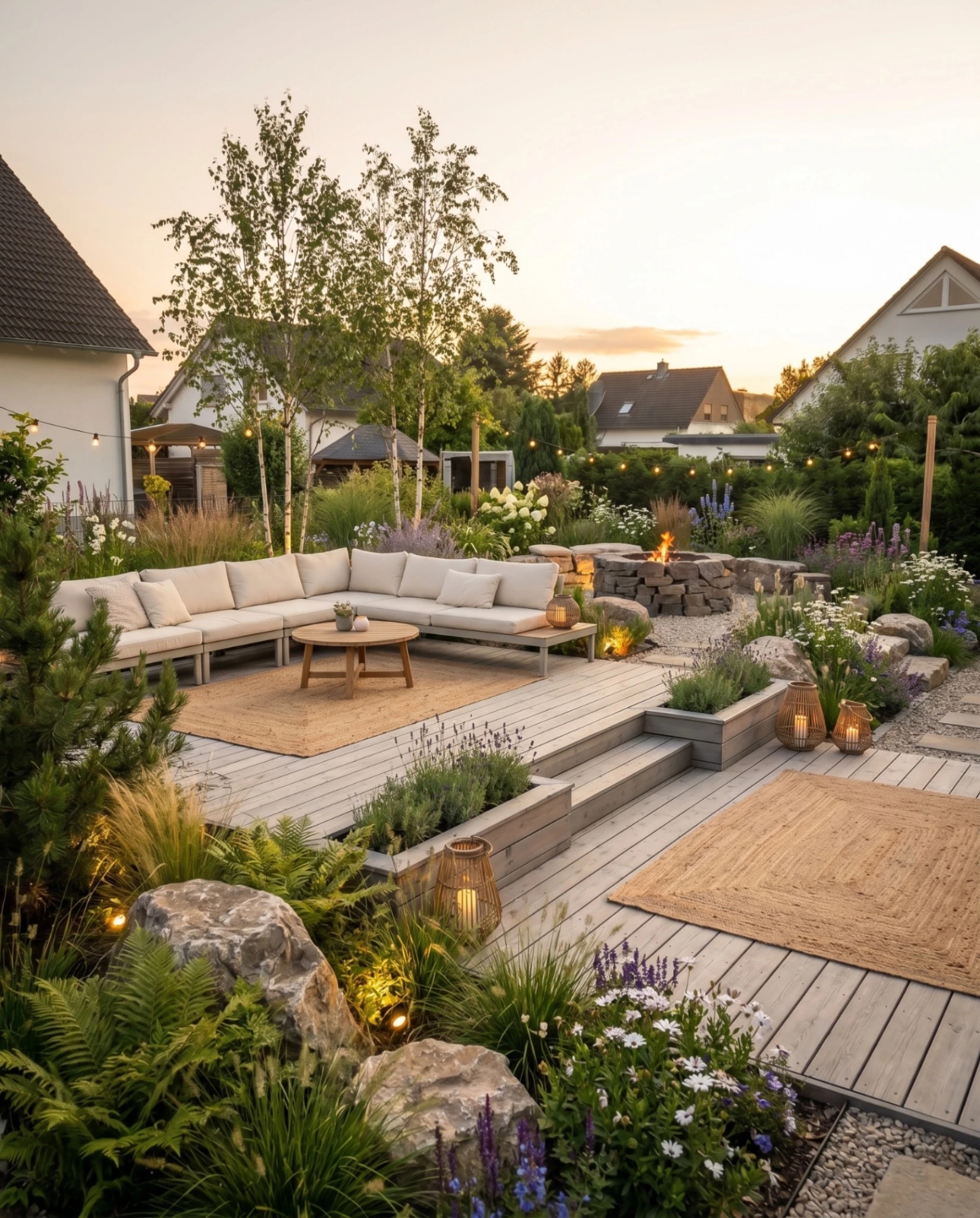
How to use the visualization in the meeting
Before the appointment. If you already have photos, for example from a first viewing or sent by the client by email, you can go into the meeting with a first idea. That shows that you have prepared.
In the appointment, after the needs analysis. Do not show the image first. Let the client tell you first what they need, and then pick up on it: “You wanted a low-maintenance terrace with privacy screening. This is what it could look like.”
When objections come up. With an image on the table, concerns become concrete. Instead of “I don't know”, you hear “Can the terrace be wider?” or “The hedge looks too high.” Questions like these can be answered, and a changed variant is ready in a few minutes.
After the appointment. The decision is usually made at home. Give the client the images to take with them, as a PDF or as a protected link. The article Garden design client presentation describes how to structure the presentation meeting and the folder.
How the visualization is created in GardenPilot
- Upload a photo. A photo of the existing garden, ideally in good daylight and with as much of the garden in the frame as possible. A layout plan can be added but is not necessary.
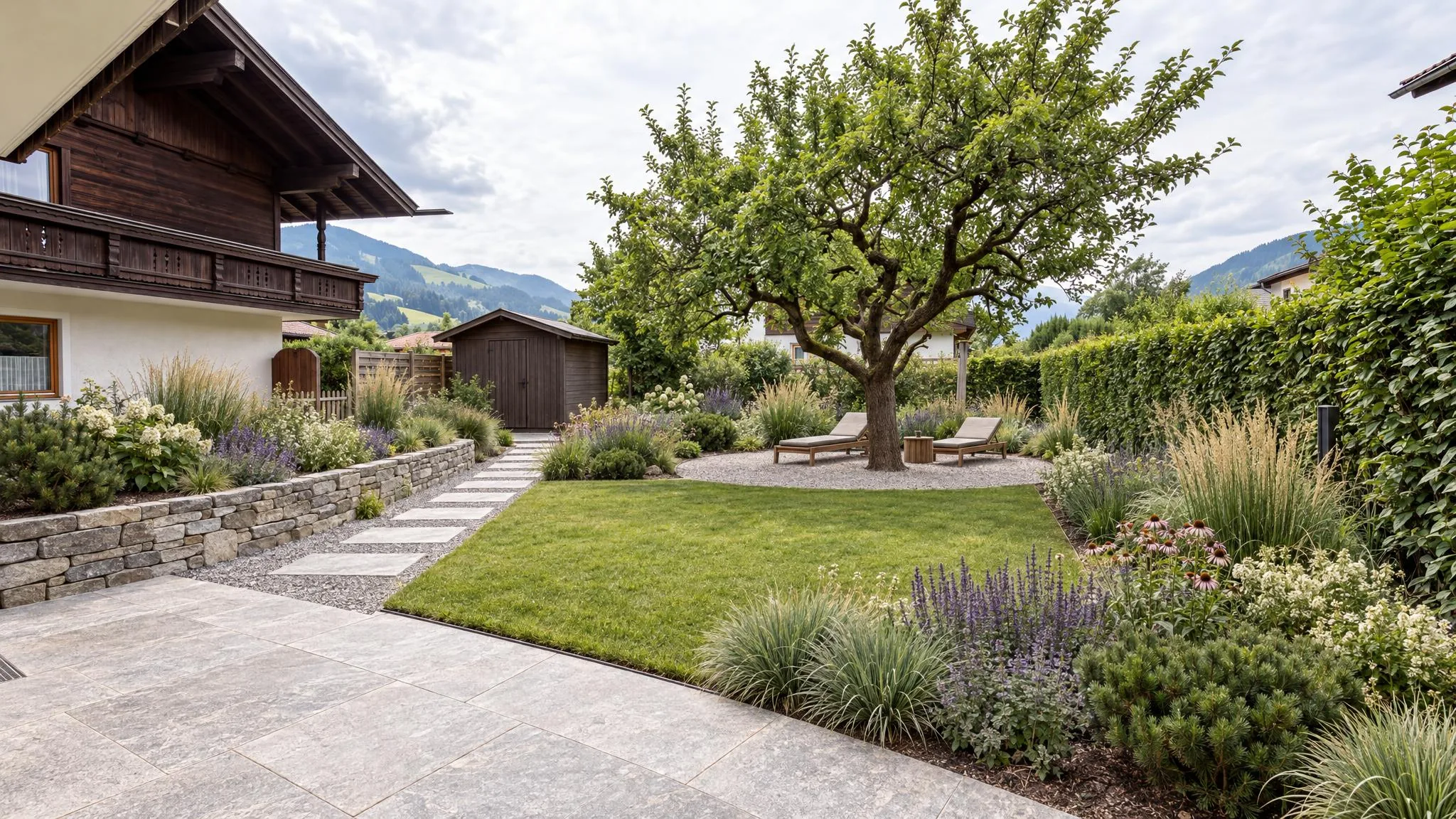
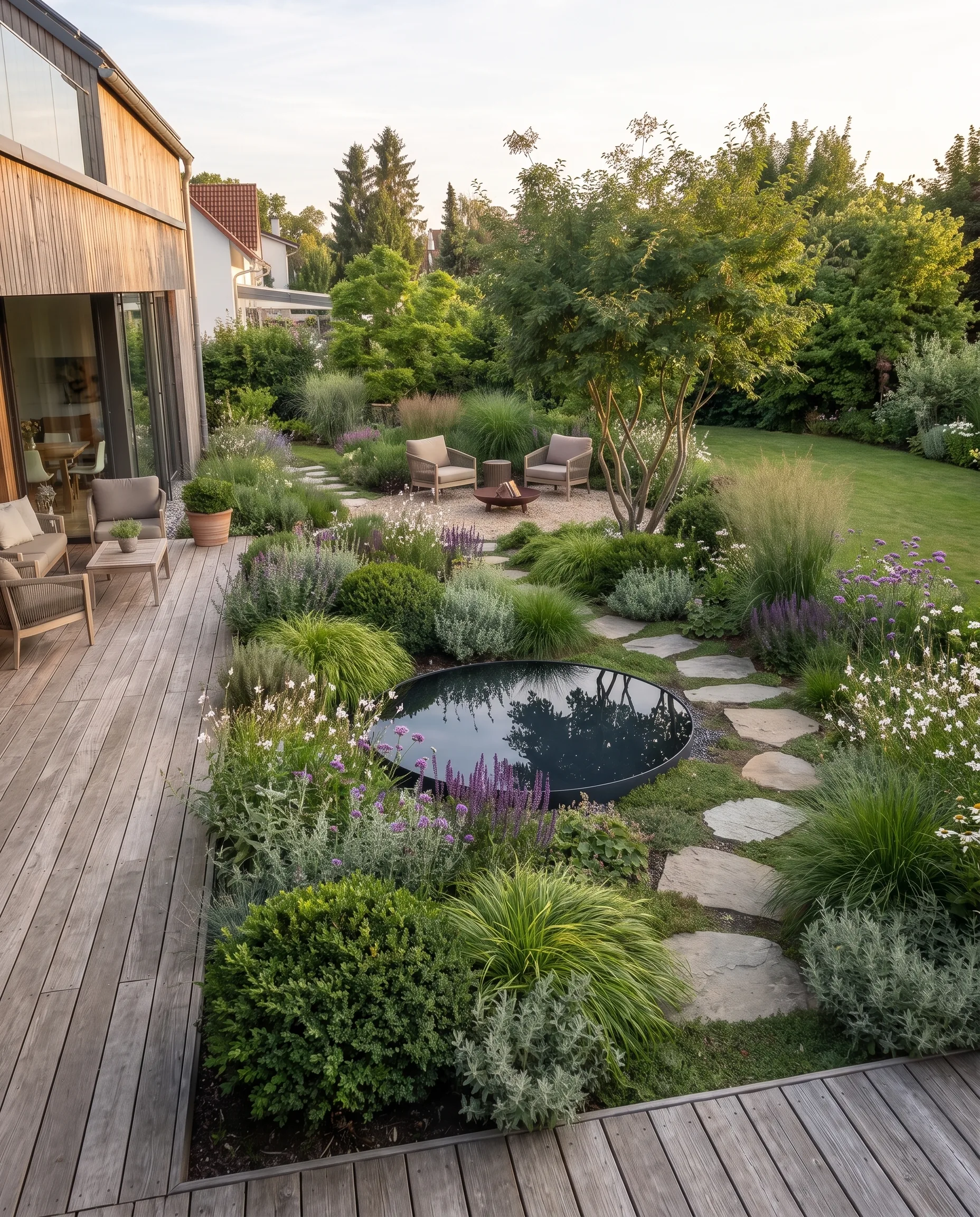
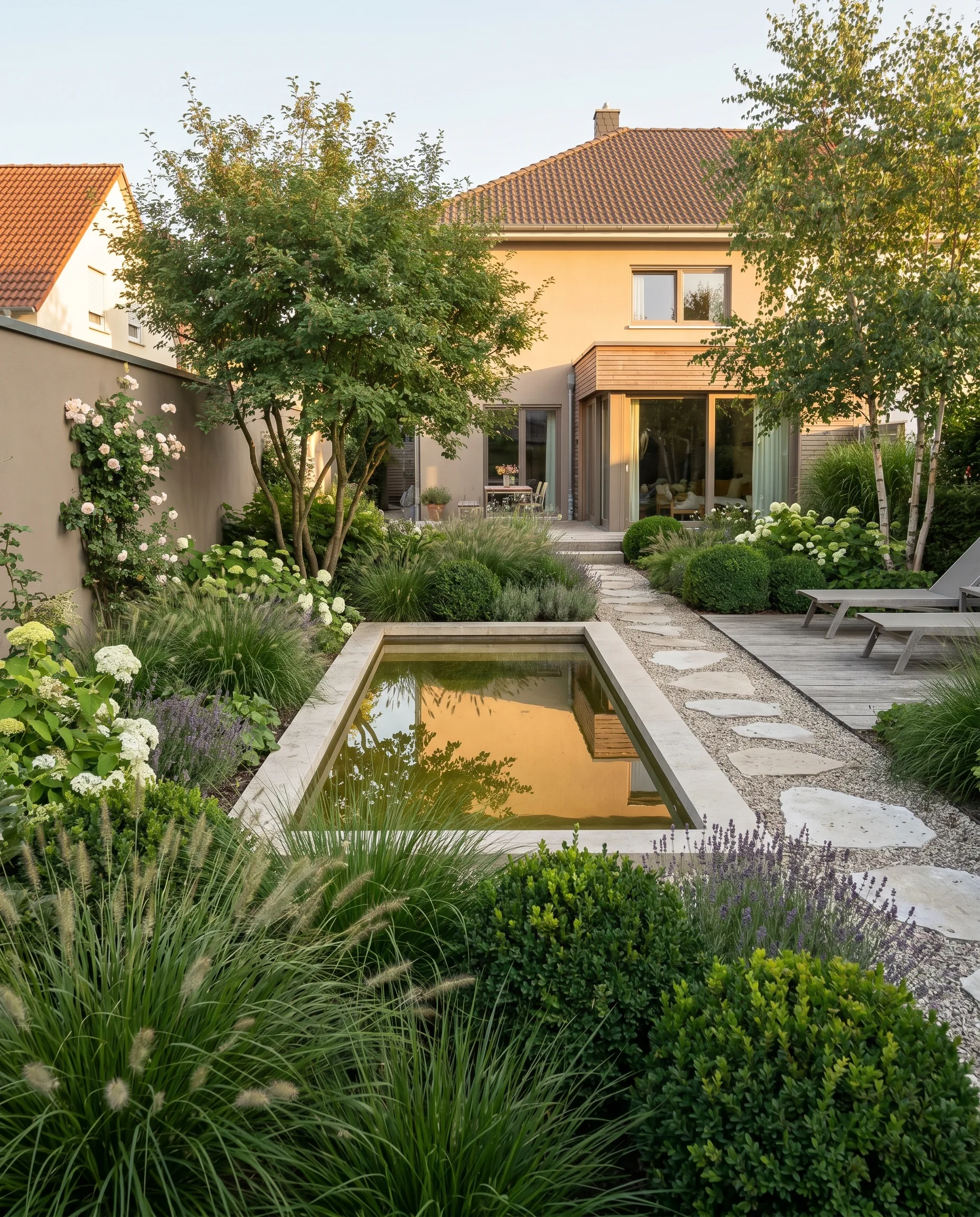
- Three design ideas. The project start (3 credits) delivers three design ideas directly on the photo. The house and viewpoint remain recognizable; what changes is the garden.
- Variants in the chat. You describe wishes such as “hornbeam instead of cherry laurel” or “terrace one metre wider” in the chat; each further variant costs 1 credit. Curated style directions, the theme worlds, also serve as a starting point.
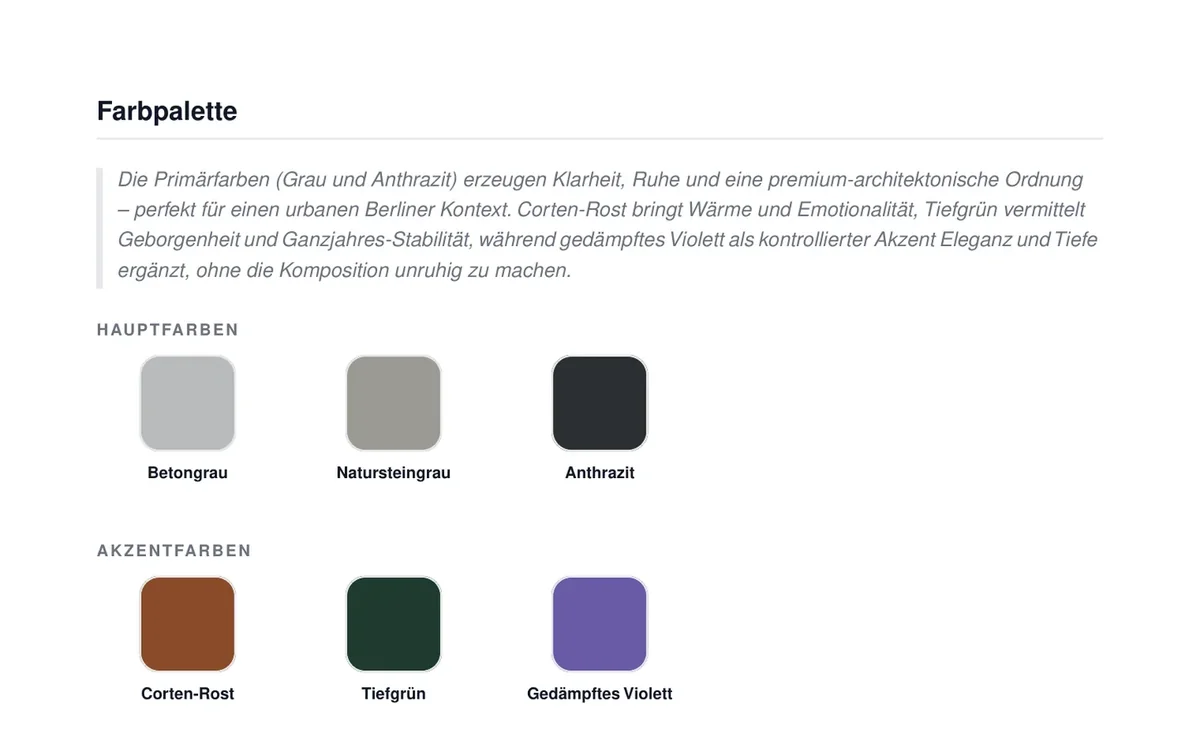
- Concept and folder. On request, the chosen idea becomes a worked-out concept with modules, materials, colour palette and planting concept (5 credits), and from that the client folder (free).
The variants make step 3 easier: two to three clearly different directions side by side shift the question from “whether” to “which”. More on this in the article Showing garden design variants quickly.
What you should tell the client
An AI visualization shows a design idea. Say so openly, and no false expectations arise:
- No dimensions. Proportions are estimated. Site measurement, levels and gradients come from your planning.
- Plants in the image are fully grown. At planting they are smaller. Tell the client how long they take to reach this effect.
- No structural analysis, no drainage, no soil testing. You check whether something can be built like this.
- The quote must match the image. What you show should be reflected in your costing. Otherwise the disappointment comes later, with the quote.
If you publish visualizations, for example as a reference on your website, label them as AI-generated. More on this in the article Garden design client presentation and in Limits of AI garden planning.
Does it bring in more jobs? How to measure it yourself
Providers of visualization software like to advertise high closing rates. These figures almost always come from the providers themselves and mostly from the USA. There is no independent survey for German garden and landscape construction. We therefore do not give a figure, but show you how to check it in your business:
- Record every quote to private clients for three months, with or without a visualization beforehand.
- Note three values per quote: accepted yes or no, days from the consultation to the decision, number of revision rounds.
- Compare at the end: acceptance rate, decision time and revision rounds of both groups.
A simple table is enough:
| Quote | Visualization | Accepted | Days to decision | Revision rounds |
|---|---|---|---|---|
| Family A, terrace | yes | yes | 12 | 1 |
| Family B, front garden | no | no | 30 | 2 |
With few quotes, the result is a trend, not proof. But it is a figure from your own business, and that is worth more for your decision than any advertising claim.
What it costs with GardenPilot
GardenPilot works without a subscription, with credit packages. The project start costs 3 credits and delivers three design ideas; each further variant 1 credit, the worked-out concept 5 credits, the client folder is free. A typical project with around 10 credits comes to about €17 to €25 net, depending on the package. Your first client project is free: project start with three visualizations and one worked-out concept. All prices are on the pricing page for landscaping businesses.
Frequently asked questions
How long does a visualization take?
After the photo is uploaded, the three design ideas are created in a few minutes. This means you can create the images shortly before the appointment or show a further variant right in the meeting.
Do I need CAD or design skills for this?
No. You upload a photo and describe the wishes in plain language. The professional judgement of what is buildable and sensible stays with you.
Is a visualization binding?
No. It is a design idea for the meeting, not a site measurement, not a bill of quantities and not a construction commitment. Say so openly in the meeting.
What if the client already brings their own AI images?
That is not a disadvantage. The client comes with more concrete ideas. Your task is then to check what of it is feasible, sensible and within budget, and to turn that into your design.
Is it worth it for small businesses?
That depends on where your bottleneck is. If quotes fail because the client cannot picture the result, a visualization is an inexpensive experiment: a project costs around €17 to €25, the first one is free. Whether it works for you is shown by the measurement from the section above.
Try GardenPilot Professional
Your first client project is free: three visualizations directly on the photo of the existing garden and a worked-out concept – presented as a client folder.
Try your first client project for free