Client presentation in garden design: structure, project folder and next step
How to present your garden design to private clients: five steps from the starting situation to the next appointment, the project folder to take home and a checklist.
A garden design rarely wins private clients over through the plan. It wins them over when the client sees what their own garden will look like, and when they then have something in hand that they can go through calmly at home. This guide shows a five-step structure for the presentation meeting, the role of the project folder and a checklist for the next appointment.
In short: First summarize the client's starting situation, then show the image of the future garden, followed by two to three clearly different variants, materials to touch and a budget range. At the end, agree on the next step with a date and leave behind a folder that summarizes the meeting.
Why the presentation decides so much with private clients
Private gardens are the largest business area in garden and landscape construction: according to the industry statistics of the German Federal Association of Garden, Landscape and Sports Ground Construction (BGL), private clients accounted for around 57 percent of industry turnover in 2025. These are exactly the clients who usually do not read plans. What is a well-considered path layout and a coherent planting structure to you is lines, hatching and symbols to them.
In the meeting, private clients therefore judge two things above all:
- An image of the future garden. As long as the design exists only in your head, the client has to imagine it, and many cannot.
- A sense of security. For most households, a new garden is a major purchase. The question is then not only “Do I like it?” but also: Did the business listen, and is this being handled in an orderly way?
Technical depth impresses colleagues. You win private clients over with a tangible image and a clear process. The following structure is designed for exactly that.
The structure in five steps
Step 1: Reflect the starting situation
Do not start with your design, start with the client. Summarize in a few minutes what you heard and saw at the first appointment, for example: “The terrace is in the shade from late afternoon, the lawn is waterlogged in winter, and you would like a low-maintenance area for the children.” Show the photos from the appointment as you do so. The client feels understood, and you set what your design is measured against: their problems, not your taste.
Step 2: The image first, then the plan
Show the visualization of the future garden first and the plan afterwards. The image answers the question “What will it look like?”, the plan then answers the question “How will we build it?”. In the reverse order, the client has to read a layout plan before knowing what it is about. More on how visualizations are used in the appointment in the article Visualizing garden plans in client meetings.
Step 3: Two to three variants with clear differences
A single solution turns the presentation into a yes/no question. Two to three variants shift the question to “Which one fits better?”. What matters is that the variants differ clearly, for example Mediterranean, naturalistic and modern, or a basic version compared with the full version. Three variants that differ only in the joint pattern tend to confuse. The article Showing garden design variants quickly describes how to show variants early and without much extra effort.
Step 4: Materials and plants to touch
After the images comes the hands-on part: a hand sample of the natural stone, a piece of decking board, a short plant list with photos of the key plants. This makes the project tangible, and it explains price differences better than any explanation could. Anyone who has held shell limestone and concrete paving in their hand understands why one costs more.
Step 5: Budget range and next step
In the presentation, give a budget range for each variant (“Variant A is around X to Y”) instead of an amount accurate to the cent. The detailed quote follows afterwards in writing. End the appointment with an agreed next step: choosing the variant, an appointment to discuss the quote, or viewing samples at your business. A meeting that ends with “We'll be in touch” leaves the decision open.
Before and after on the client's own property
Reference photos of other gardens show what you can do. A before/after on the client's property shows what they will get. The client recognizes their house and their line of sight, only the garden is new. That closes the imagination gap where many meetings get stuck.
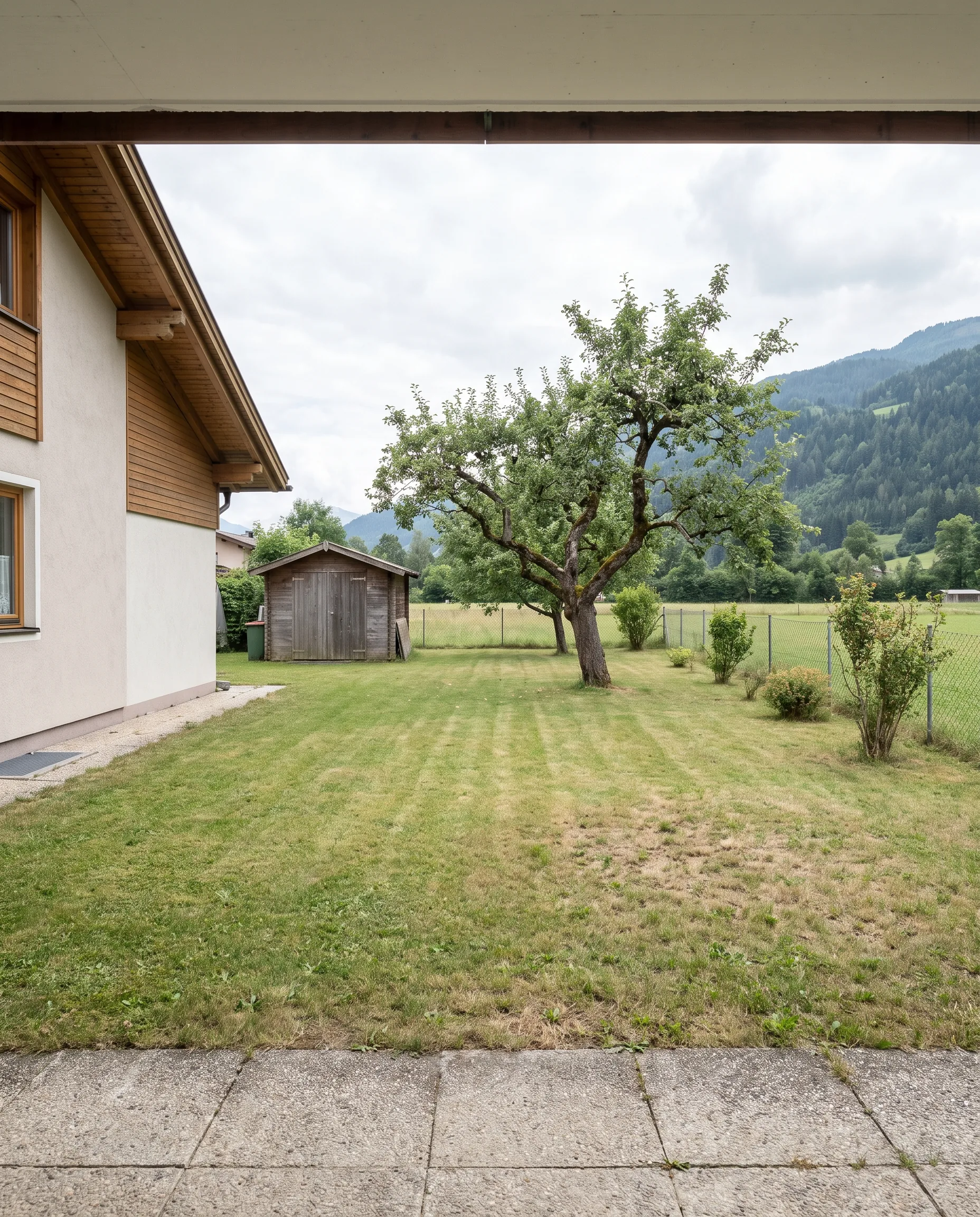
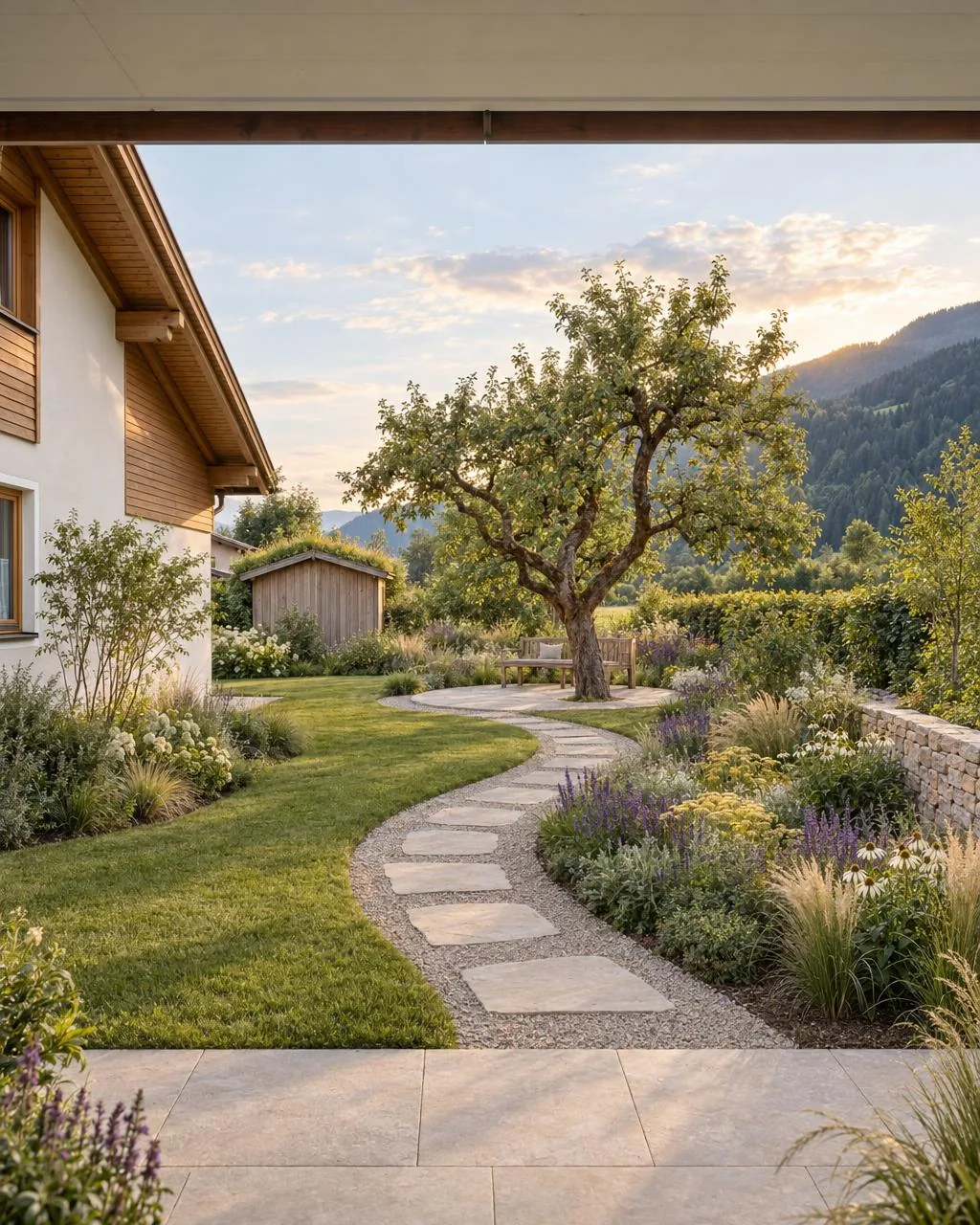
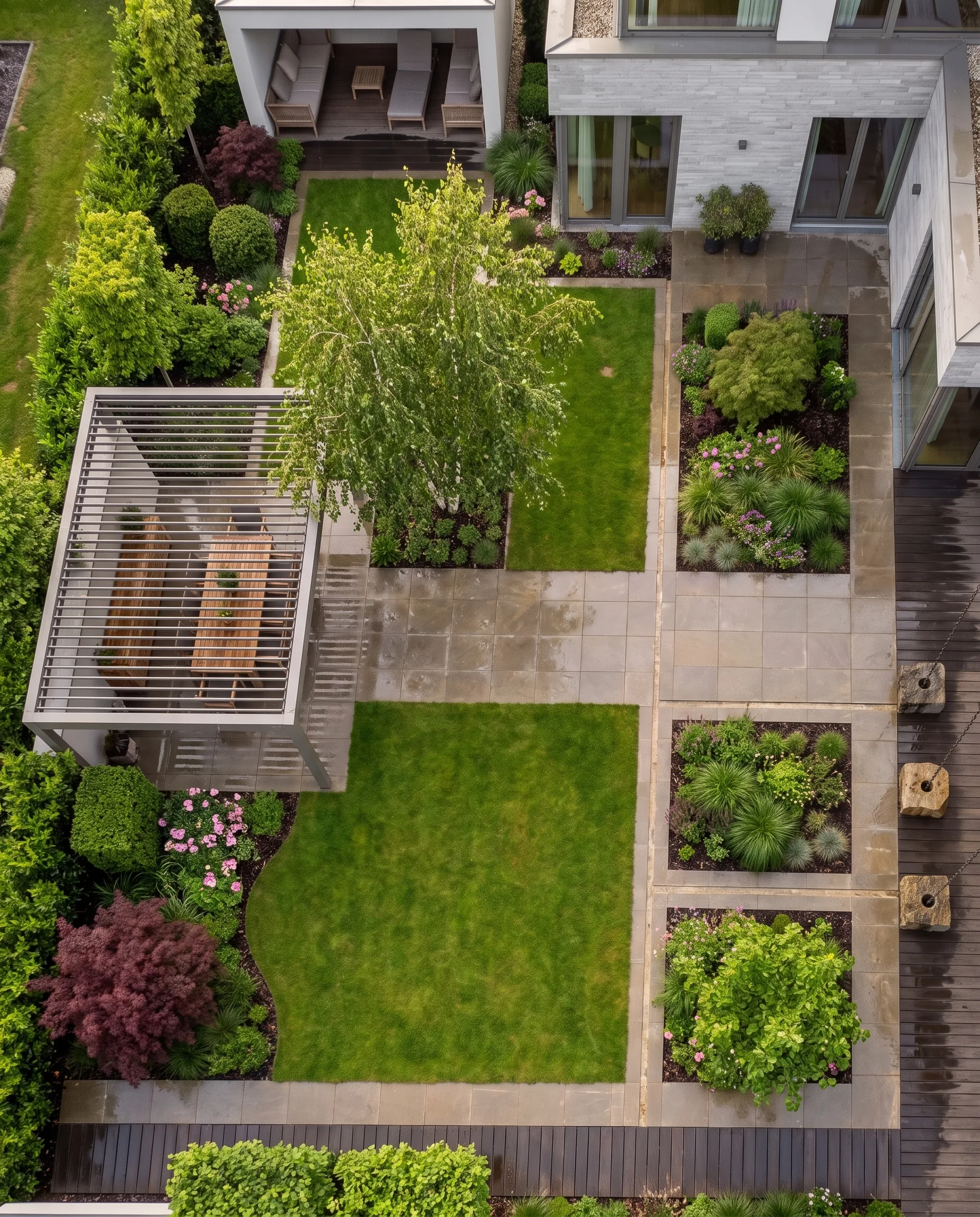
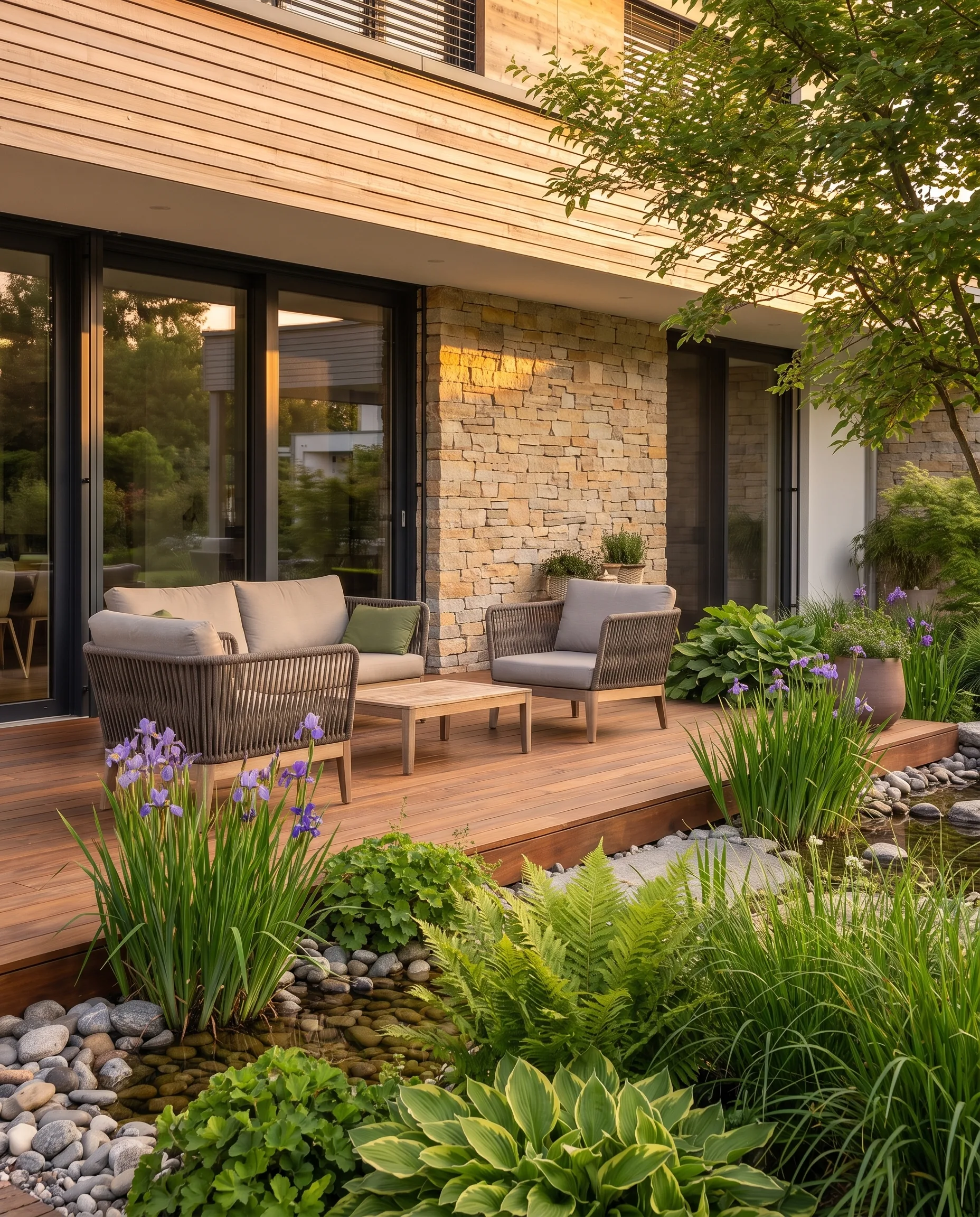
The two images are an example to illustrate the process; both are AI visualizations, including the starting state.
This part of the preparation used to be time-consuming. With AI visualization, a photo of the existing garden is now enough: from it, GardenPilot creates three design ideas directly on the photo in a few minutes, and the house and viewpoint remain recognizable. Further variants are created in the chat. That is the material for steps 2 and 3. More on this in the article Before-and-after garden visualization.
Tell the client openly what the image is: a design direction, not construction planning. “The image shows where we are heading; the technical planning follows.” That comes across as more confident than any promise of perfection.
The project folder: what the client takes home
The decision is rarely made in the appointment. It is made in the evening at the kitchen table or at the weekend in a family discussion, and you are not there. That is why the client needs something that summarizes the meeting. A combination has proven itself: present digitally in the appointment, then hand over a folder afterwards.
In GardenPilot, this folder is created from the project at no extra cost. It contains:
- a cover page with the project image and project name,
- directly after it, a “Created by” page with your logo and your company details,
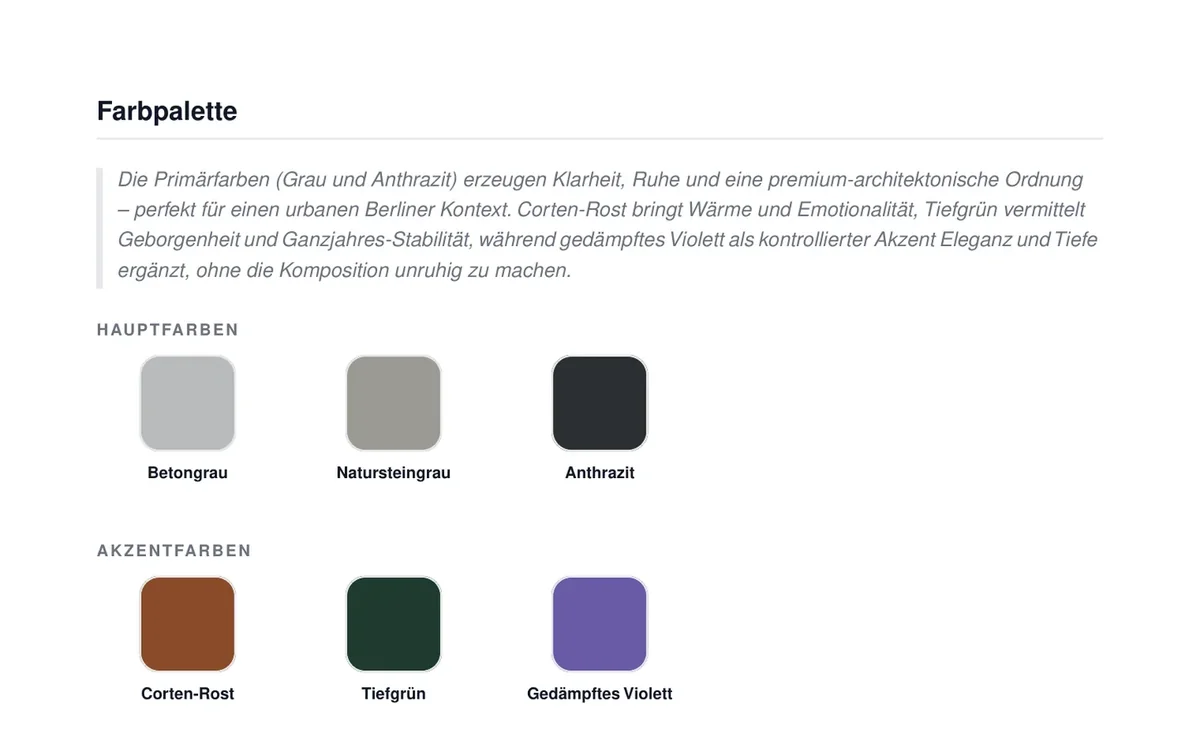
- the concept with highlights, the before/after, the modules, materials, colour palette and the planting concept,
- on request, the garden plan as a top view.
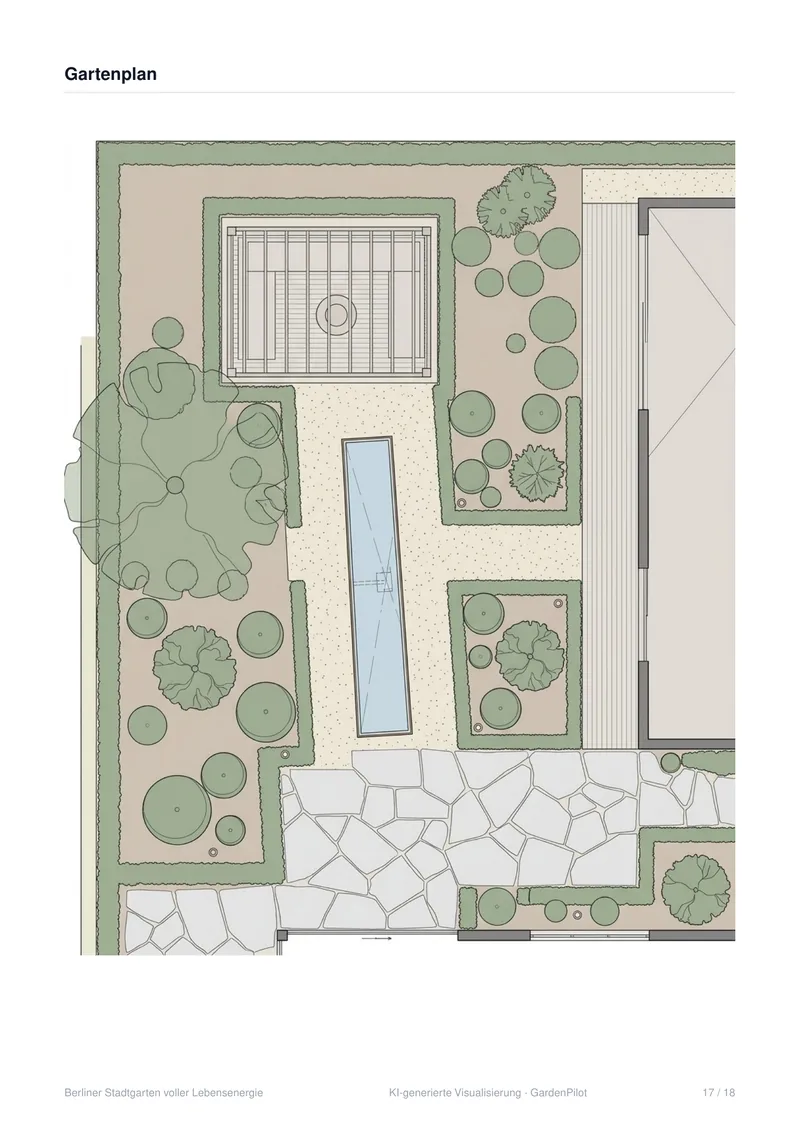
You can hand over the folder in two ways:
- As a PDF to print for the appointment or to email afterwards.
- As a protected web view: You create a link with a PIN, optionally with an expiry date. The client sees everything on their own screen and can download the images in original quality. You can see how often the link has been opened. That is a good reason for a call the next day.
Projects from landscaping businesses never appear in a public gallery. The folder and the web view carry a visible note that the images are AI-generated visualizations.
What the folder is not
Being honest about its limits protects you from false expectations:
- Not a quote and not a bill of quantities. You continue to calculate quantities, items and prices in your usual system. The article Landscaping cost estimating describes how a reliable quote is put together.
- Not construction planning. The garden plan is a top view at concept accuracy with estimated proportions, not survey-accurate professional planning. Site measurement, levels, drainage and details remain your work.
- Not a planting plan with quantities. The planting concept describes plant groups, examples and effect, not the plant list for construction.
Labelling AI images correctly
When you show visualizations only in the meeting and in the folder, it is clear that they are a design. It is different when you publish the images, for example on your website or on Instagram. Since 2 August 2026, the transparency obligations of the European AI Act (Art. 50) have applied. Anyone who publishes realistic-looking, AI-generated images of real places that could be taken for genuine must disclose that they are artificially generated. Therefore label published visualizations visibly as AI-generated. This is not legal advice; if in doubt, have your specific case checked.
The five most common mistakes
- Jargon. “Corten steel edging” and “dry open-ground habitat” mean little to the client. Translate it into benefits: “a rust-coloured edge that keeps the lawn neatly separated from the bed for good”.
- Plan before image. If you put the layout plan on the table first, you are asking for a level of abstraction that most clients cannot manage.
- Only one variant. Without an alternative, the design becomes a yes/no question. Clients compare anyway, just with another business's quote.
- Price without context. A total without an image beforehand and without materials looks like a pure cost item.
- No next step. A good presentation that ends with “Take your time and have a look” leaves open whether and when a decision will be made.
Checklist for the next presentation meeting
- Wishes and problems from the first appointment noted (Step 1)
- Photos of the starting state at hand
- Visualization of the client's property, before/after ready to show
- Two to three variants with clearly nameable differences
- Material samples and plant list with images
- Budget range prepared for each variant
- Project folder as a PDF to leave behind, link with PIN to send afterwards
- Proposal for the next step with a date
- Note planned in: the visualization shows the design direction, the detailed planning follows
What it costs with GardenPilot
GardenPilot works without a subscription, with credit packages. A client project starts with 3 credits and delivers three design ideas on the photo straight away; each further variant costs 1 credit, the worked-out concept 5 credits, the garden plan 3 credits per concept variant; the project folder is free. A typical project with around 10 credits comes to about €17 to €25 net, depending on the package. Your first client project is free: project start with three visualizations and one worked-out concept. All prices are on the pricing page for landscaping businesses.
Frequently asked questions
How long should a client presentation take?
Plan enough time for all five steps to fit in without rushing. One to one and a half hours has proven a good guideline: about a third for the starting situation and the image, a third for variants and materials, a third for budget and next step.
How many variants should I show?
Two to three, with clearly recognizable differences in style or level of build-out. At the end, make a recommendation. Clients expect a specialist business to take a position.
Should I already mention the price in the presentation?
Yes, as a budget range per variant, and only after the image, variants and materials have had their effect. The exact quote follows in writing, ideally with a fixed appointment to discuss it.
Can the client pass the folder on?
Yes. The PDF is a normal file. With the web view, anyone who opens the link needs the PIN, and with an expiry date you limit how long the link works.
Does the visualization replace the planning?
No. It shows the design idea on the real property. Working drawings, site measurement, levels and details remain your professional work. GardenPilot supports the sales and concept phase, not construction.
Try GardenPilot Professional
Your first client project is free: three visualizations directly on the photo of the existing garden and a worked-out concept – presented as a client folder.
Try your first client project for free