AI visualization and managing expectations: guiding clients honestly through the conversation
The three most common expectation traps with AI visualizations, wording for the client conversation and a checklist for before, during and after the presentation.
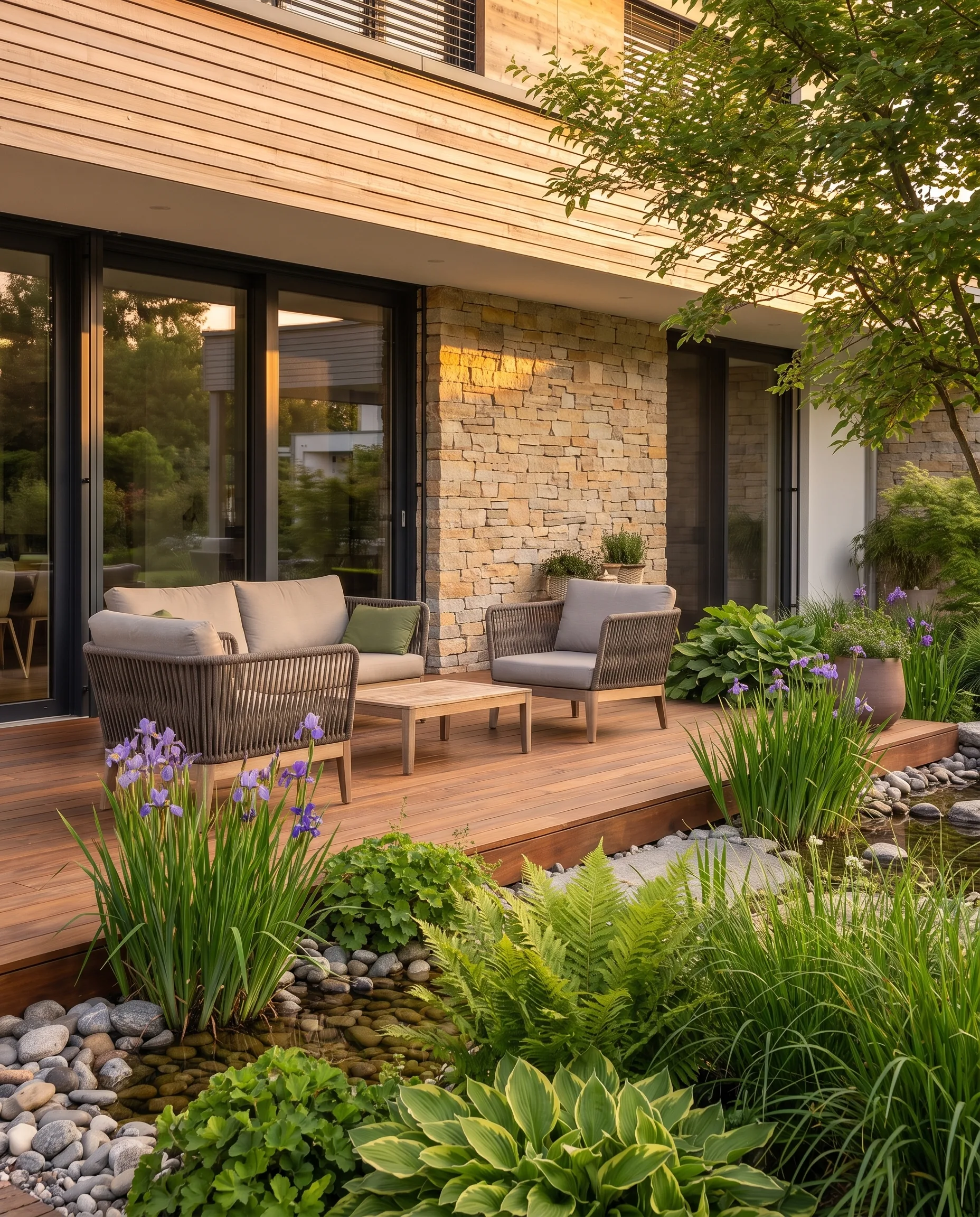
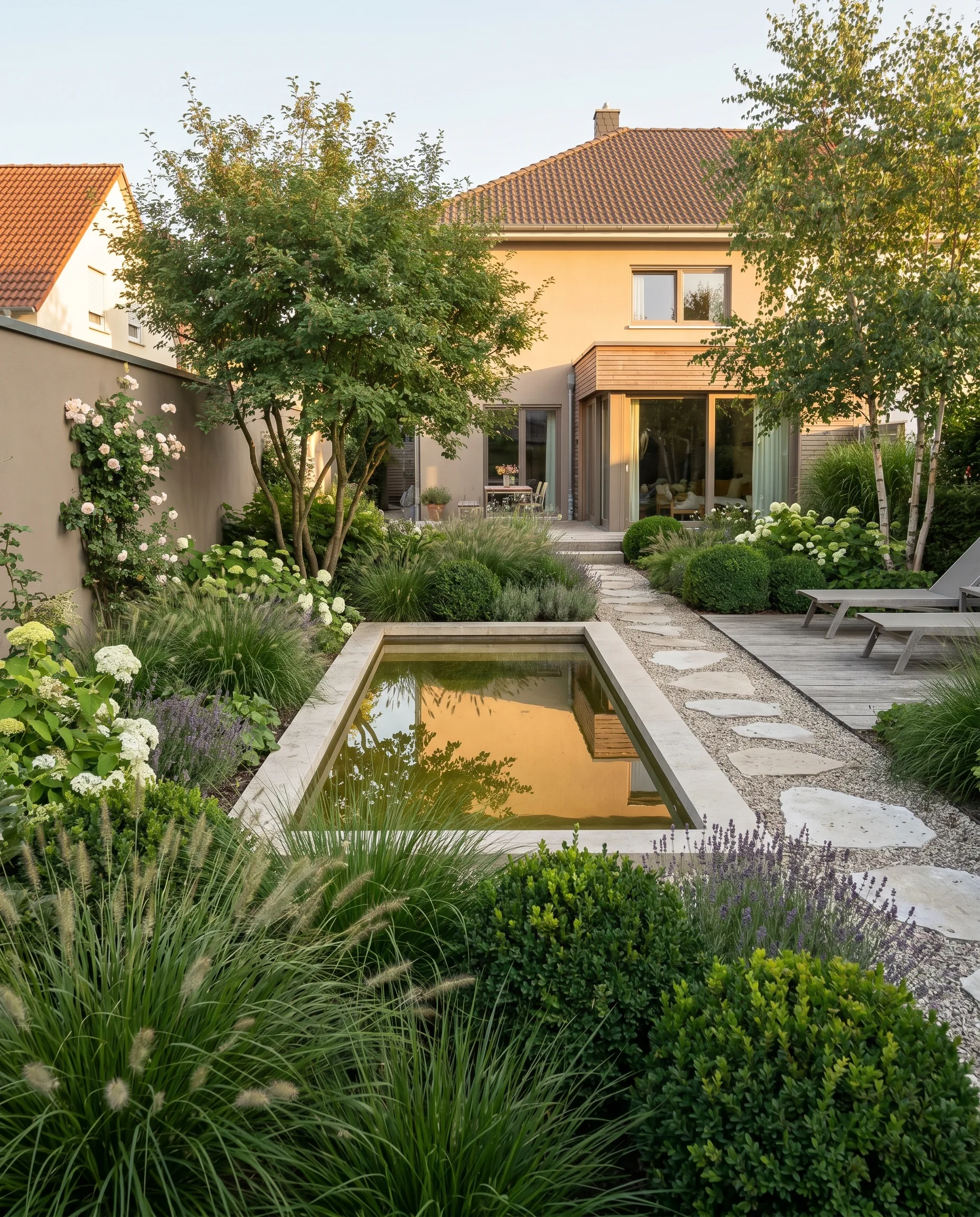
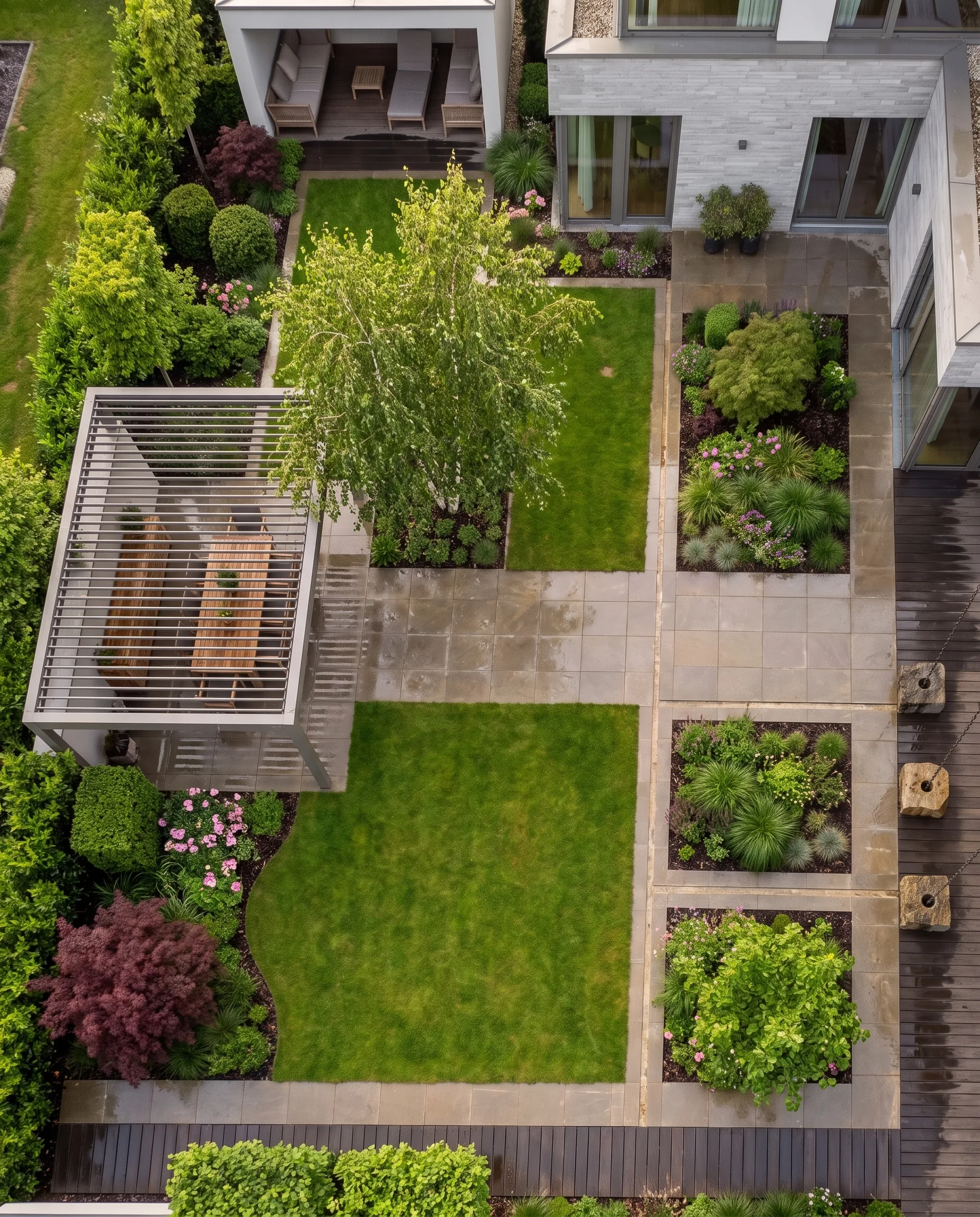
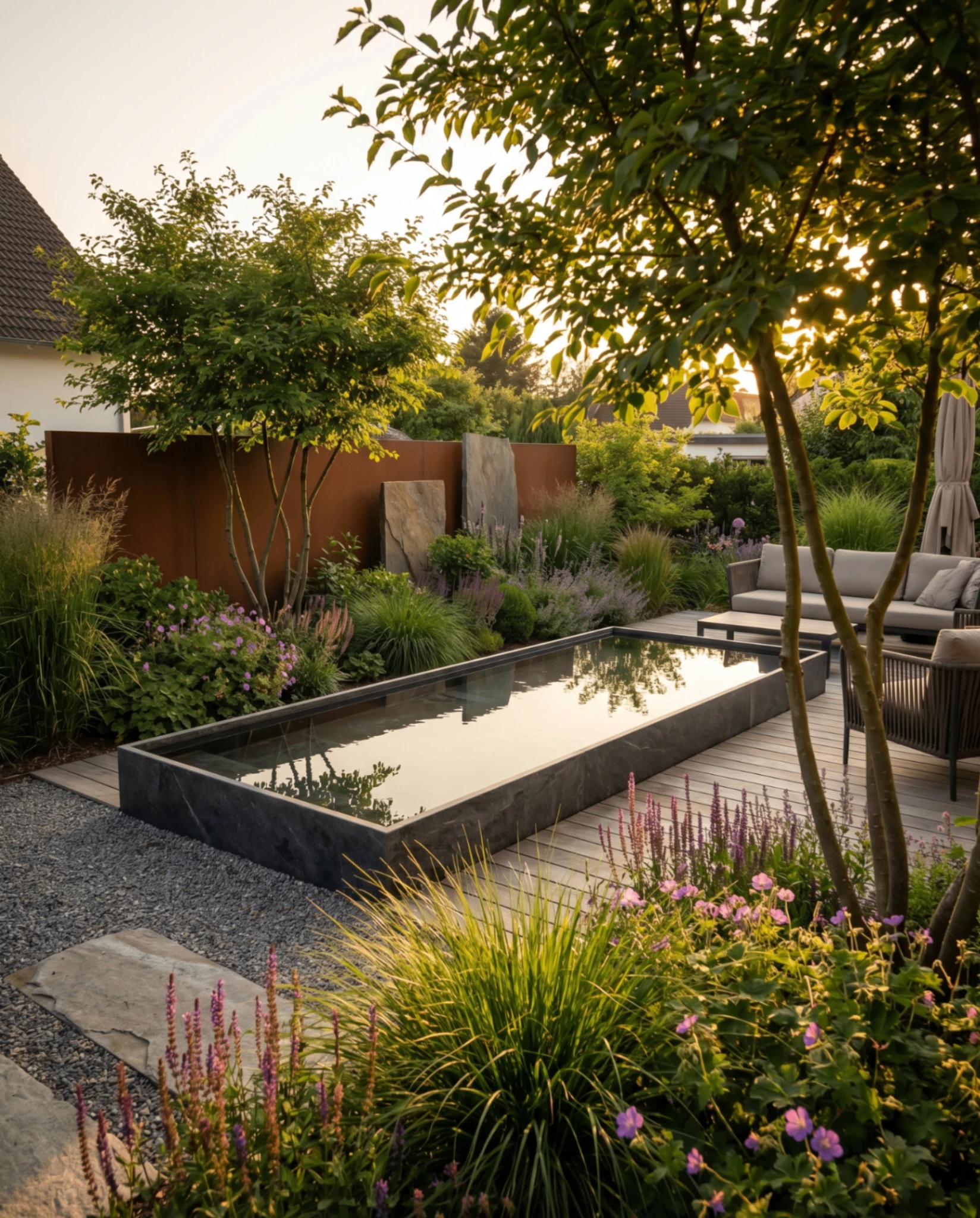
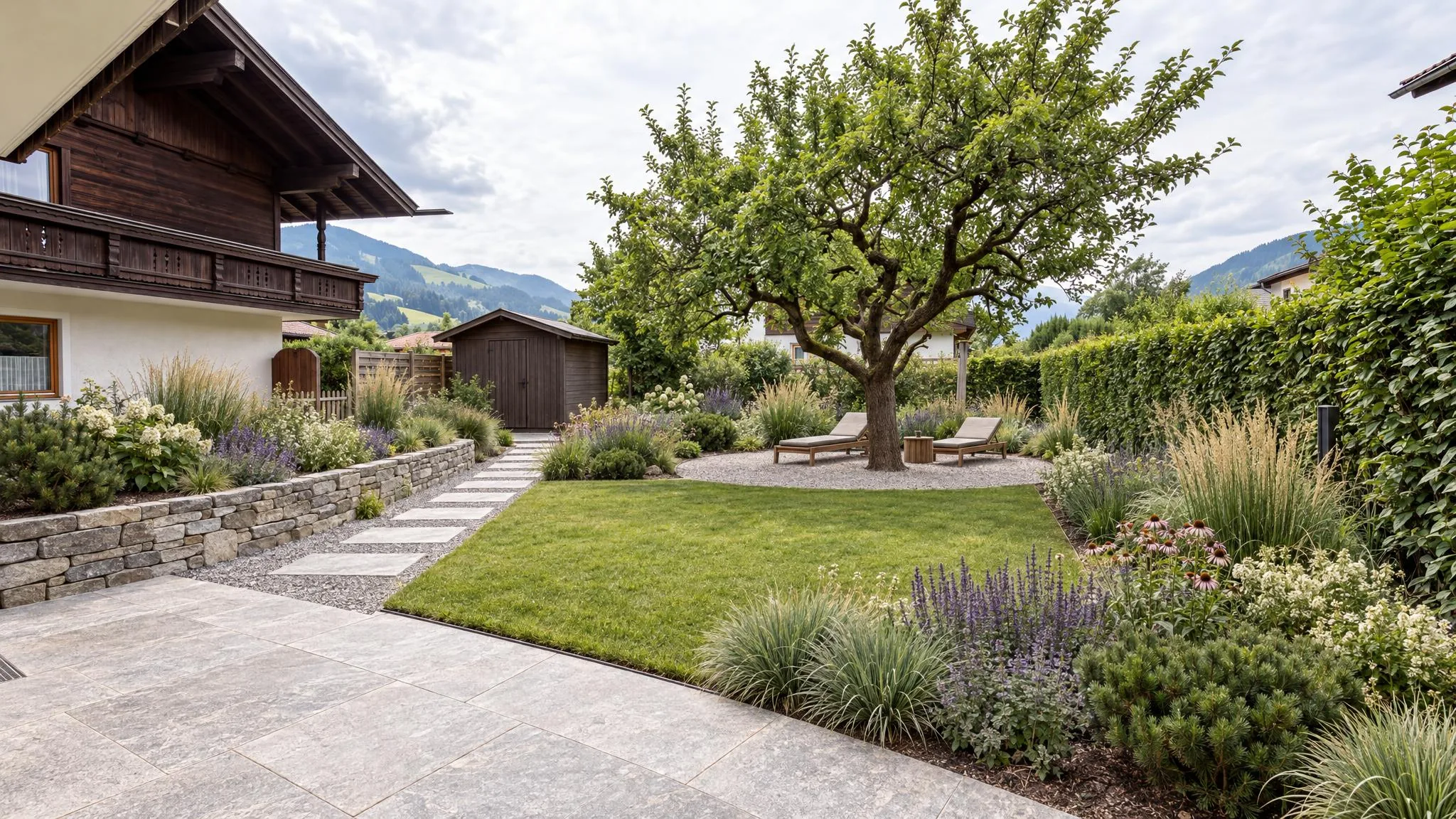
An AI visualization inspires, and that is exactly where its risk lies. The client sees lush perennial areas, flawless paving and warm evening light and takes the image for a promise. Whether the project is considered a success in the end is therefore not decided only at the handover, but in the conversation about the image. This article shows the three most common expectation traps, wording for the conversation and a checklist for before, during and after the presentation.
In short: Put the image into context as soon as you show it: it shows a direction in the established state, not a construction plan. Address light, growth, costs and time before the client asks. Record priorities in writing. Then the image becomes a tool for trust instead of a promise.
What an AI image shows and what it does not
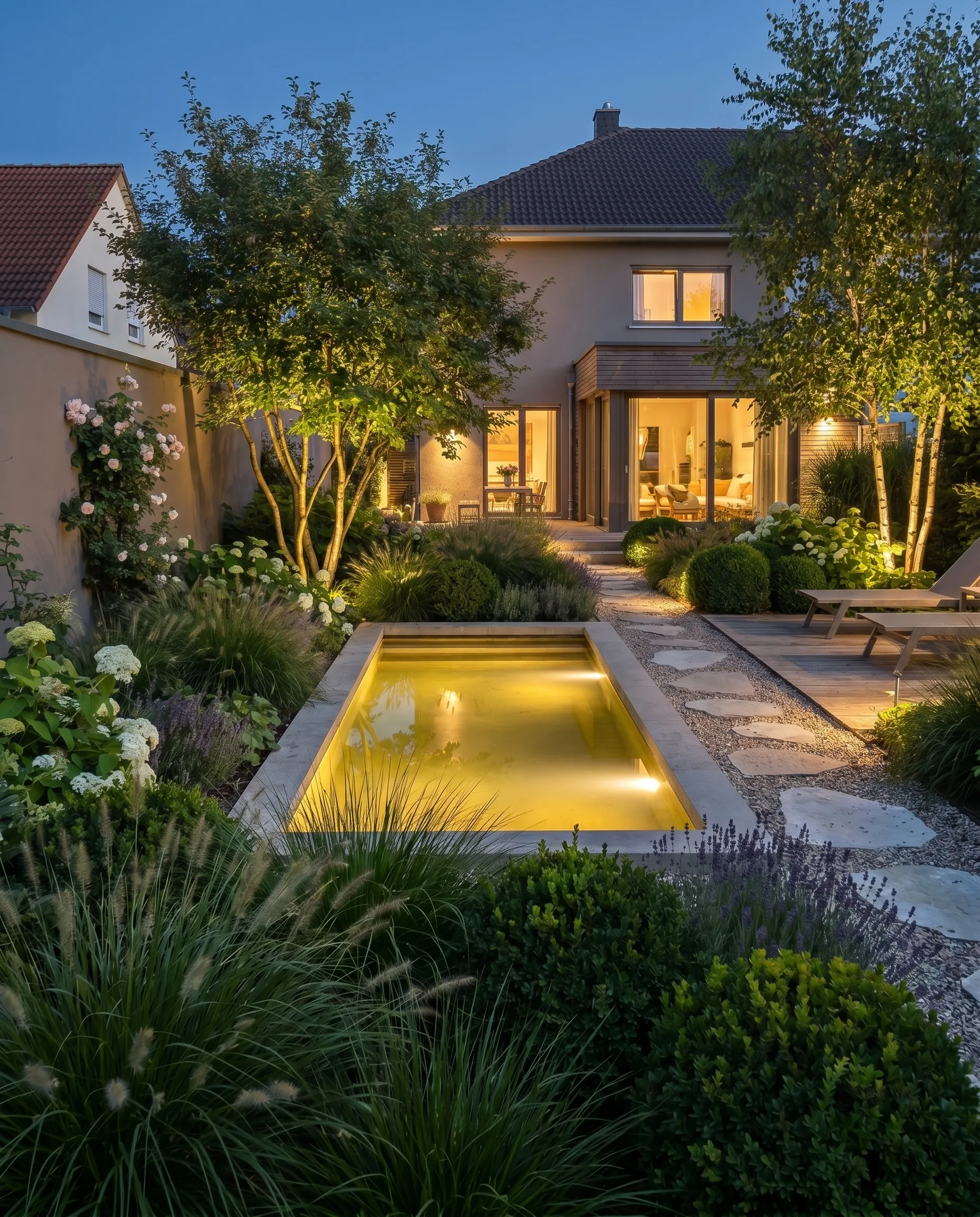
A visualization makes a design idea visible: style, materials, planting character, sense of space. But it almost always shows an ideal moment:
- Ideal light. Evening sun or lighting makes any garden look better than on a grey morning.
- Established planting. Perennials, hedges and woody plants appear in the image as they will look after a few years, not on the day of completion.
- No costs. Whether the natural stone fits the budget is only clarified by your quote.
- No subsoil. Soil, gradient and drainage cannot be seen in the image.
What this means for planning and which of these limits will shift with better models is described in the article Limits of AI garden planning.
The three most common expectation traps
1. “It should look exactly like this”
Some clients read the image as a binding template. Put it into context early: the image shows a design direction, not a dimensioned drawing. One sentence that separates the roles: “The image shows the goal, my quote describes the way to get there.”
2. “That can't cost much”
A photorealistic image shows the result, not the effort. Address costs before the client asks, for example: “The natural stone is the biggest cost item in this image. If the budget is tighter, I'll show you a variant with cast stone.” This turns the price question into a choice between variants.
3. “It will look like this by the summer party, right?”
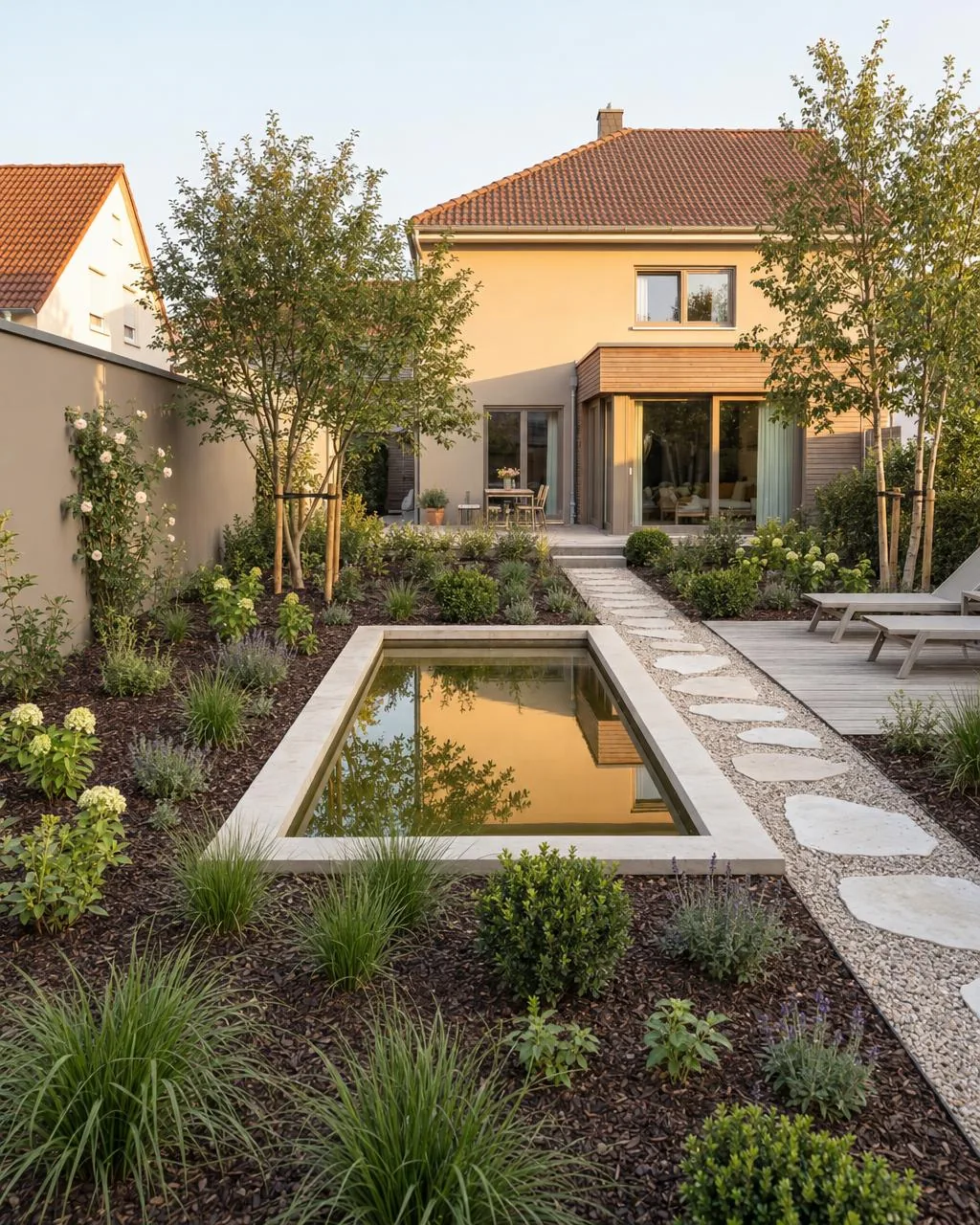
Growth cannot be accelerated. Clearly separate the completion date from the state of the planting: on the day of handover, the garden is fully built, but depending on the planting it is only established after two to five years.
Wording for the conversation
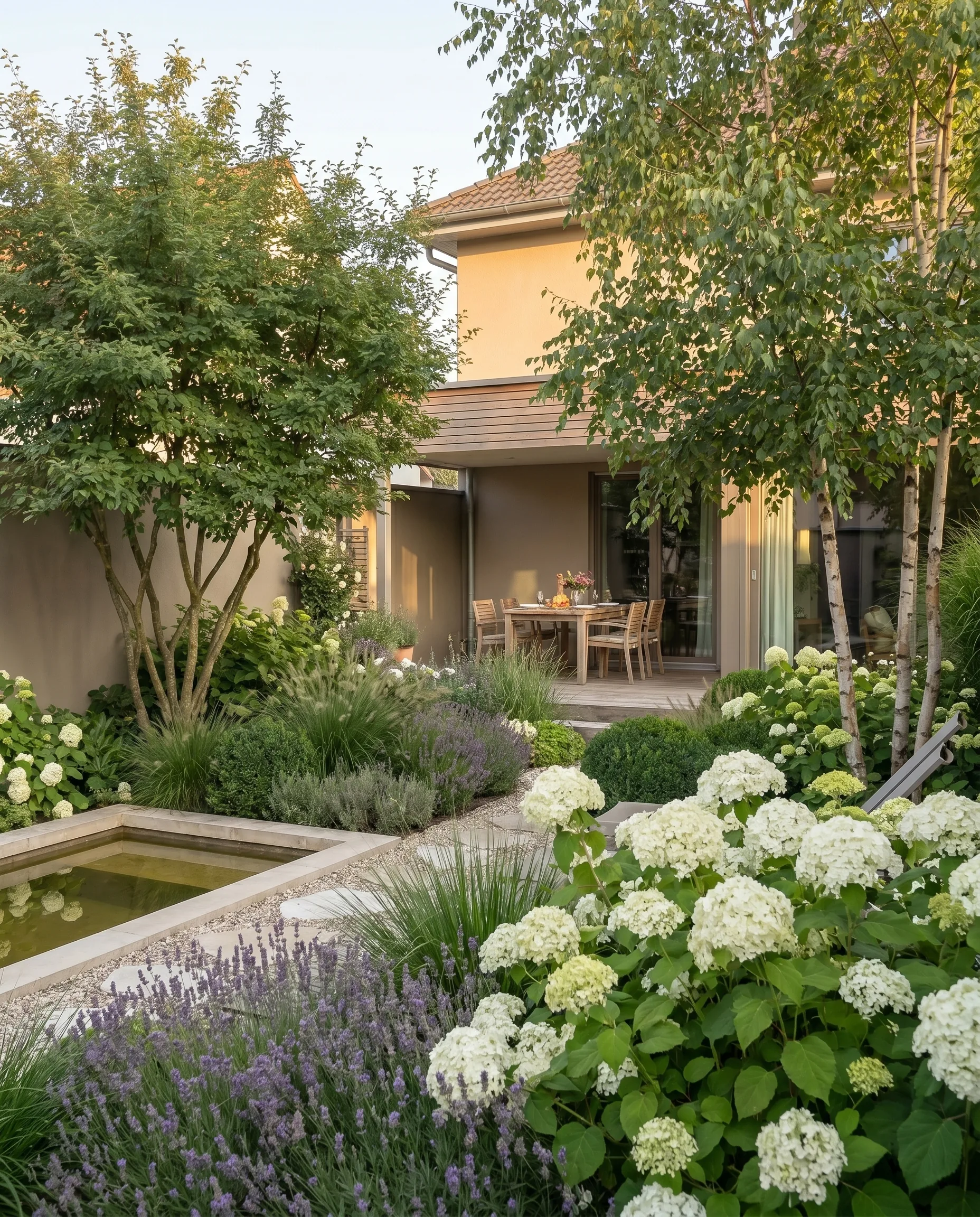
When showing the image: “Here you can see the direction with natural stone and established planting. This is how the garden will look in two to three years. Right after completion it will look more open, and that's normal.”
When the client wants to fix a detail: “The image helps us settle on the direction. I'll set the dimensions, the sub-base and the exact plant selection after the site measurement. If anything changes along the way, I'll tell you before the quote.”
When something in the image cannot be built: “This wall wouldn't hold in this spot, the slope pushes too hard. Instead, I suggest an embankment with perennials. The effect stays similar.”
When separating wishes from professional decisions: “You decide what the garden should look like. I decide how it's built, so that it still works after five winters.”
If possible, show photos of your own projects on the day of completion and one to two years later. That is the most convincing proof that the goal will be reached, just later than in the image. How to set up a before and after properly is described in the article Before-and-after garden visualization.
Record priorities in writing
After the presentation, ask which elements from the image are essential and which are desirable. Record this in writing, for example in a short summary after the appointment. If the budget has to be cut later, you and the client know what goes first, without disappointment.
A sentence in the quote or in the order confirmation stating that the visualization is a design idea and not construction planning also helps. How to structure the whole appointment is described in the article Client presentation in garden design.
Checklist
Before the first image
- Clarify the general conditions: budget, property, use, maintenance effort
- Note wishes and things that should not be included under any circumstances
- Discuss the time frame realistically
During the presentation
- Put the image into context as a direction, not as a dimensioned plan
- Point out the light and the established planting
- Address cost items before the client asks
- If necessary, show a less expensive variant
After the presentation
- Record what is essential and what is desirable in writing
- Break the quote down into line items, not a lump sum
- Describe the state of the planting in the first year and the maintenance
What it costs with GardenPilot
A client project starts with 3 credits and delivers three design ideas on the client's photo; each additional variant, such as the less expensive one, costs 1 credit. A typical project with around 10 credits comes to about €17 to €25 net depending on the package, with no subscription. The client folder is free of charge. Your first client project is free. All prices are on the pricing page for businesses.
Frequently asked questions
How do I explain that the AI image is not a binding commitment?
Right when you show it, and in simple words: “The image shows the direction, my quote describes what we will build, when and at what price.” A sentence in the quote or order confirmation stating that the visualization is a design idea also helps.
What do I do if something in the image is technically not feasible?
Explain specifically why, and suggest an alternative that meets the wish as closely as possible. On request, have the alternative created as a new variant, so the client sees that the effect is preserved.
The client compares the finished garden with the image and is disappointed. What now?
If you addressed and recorded the state in the first year beforehand, you have a basis. Show how the planting will develop, ideally with photos of one of your own projects one to two years after completion. Take the disappointment seriously, even if the expectation was too high.
Does this also apply to commercial projects?
Yes, with even more care. Budgets and deadlines are often tight there, and decision-makers change. Use the visualization to communicate design ideas quickly, and always combine it with a clear bill of quantities.
Try GardenPilot Professional
Your first client project is free: three visualizations directly on the photo of the existing garden and a worked-out concept – presented as a client folder.
Try your first client project for free