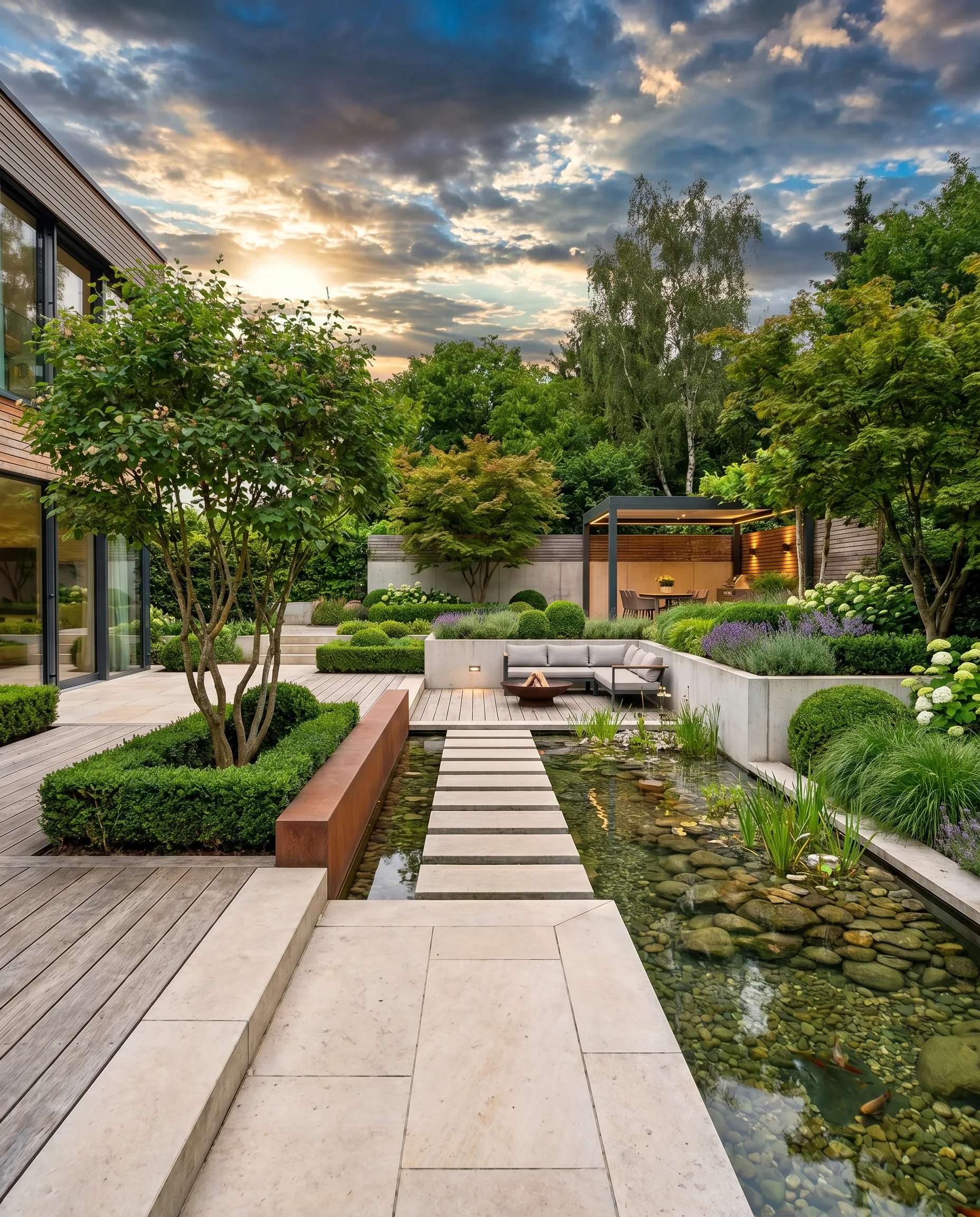
AI Garden Design with a Photo: Plan and Transform Your Garden Digitally
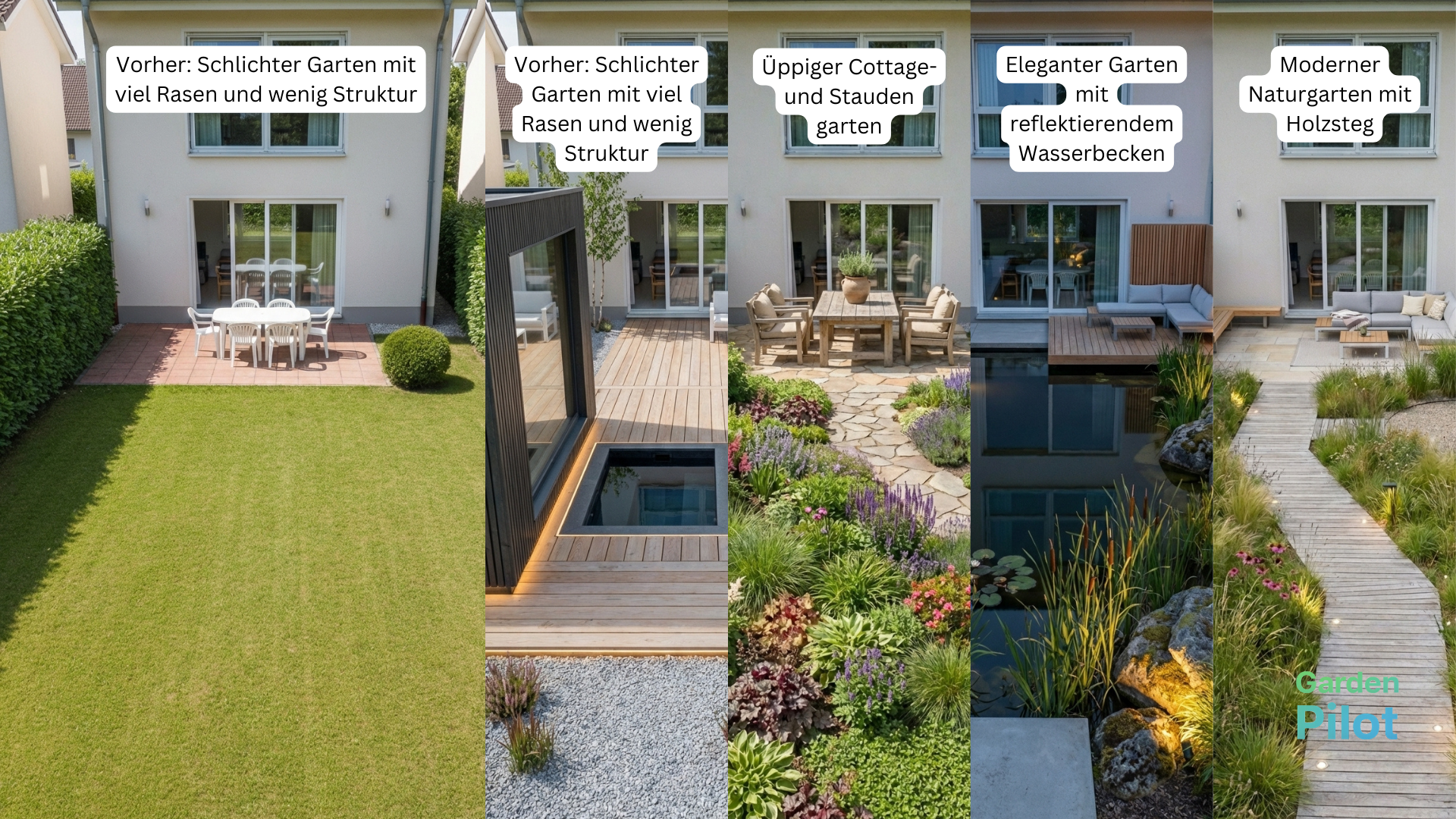
Imagine simply taking a photo of your garden with your smartphone—and seconds later seeing how it could look with a new patio, a raised bed, or a blooming perennial border. That’s exactly what AI garden design with a photo makes possible. Artificial intelligence analyzes your original image and generates realistic visualizations that make decision-making dramatically easier. In this article, you’ll learn how the technology works, which tools are available, and what to watch out for.
What’s behind an AI garden planner with a photo?
Modern AI garden planners use generative AI models—similar technologies to those powering well-known image generators. You upload a photo of your garden, optionally describe what you want in a few keywords (e.g., “Mediterranean patio with an olive tree”), and the AI creates an edited version of your image.
How the technology works behind the scenes
- The AI detects areas, structures, and existing elements in the photo (lawn, paths, fences, beds).
- It “paints” new elements into the image, drawing on millions of reference images.
- The result is a photorealistic preview—not a technical blueprint, but a true mood image.
Important to know: These tools are inspiration aids, not precision planning. Scale and exact distances often won’t be accurate. For an exact build plan, you’ll still need a professional contractor or a planning program with a proper scaled layout.
Which tools are available for AI garden design from a photo?
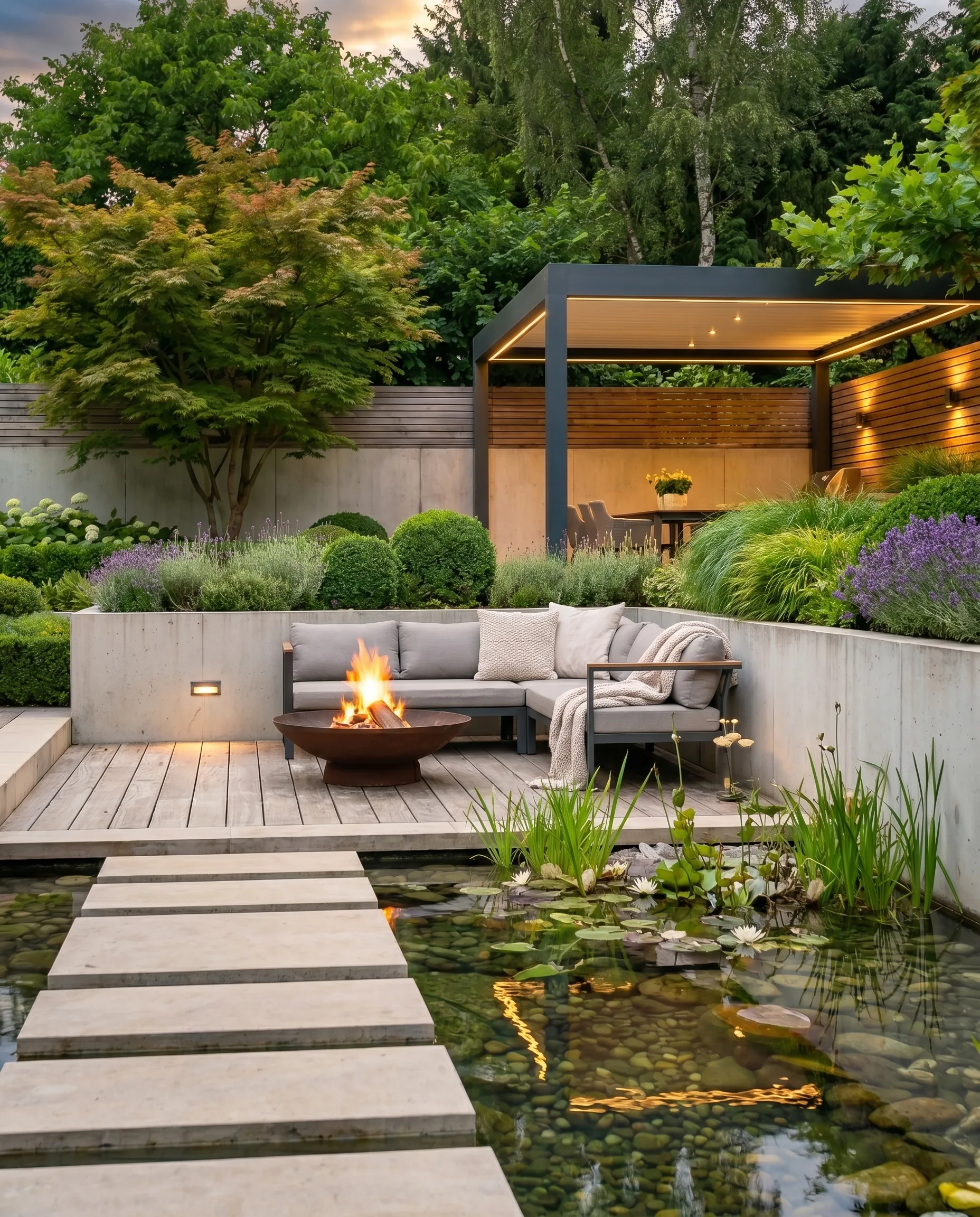
The market is growing fast. Here’s an overview of common approaches:
Specialized garden planner apps
- Garden AI / Yard AI (English-language): Upload a photo, choose a style (modern, naturalistic, Japanese …), and receive multiple variations.
- Dreamhouse AI and similar home & garden tools: Originally built for interiors, but many now include outdoor spaces as well.
- Planter apps with AI add-ons: Classic garden planners like Planter or iScape are increasingly adding AI features.
General AI image tools that work for gardens
- Adobe Firefly / Photoshop Generative Fill: Professional, but requires a bit of learning—you can select areas and replace them with precision.
- Midjourney or DALL·E (using your own photo as a base): Great for creative inspiration, less suited for realistic 1:1 execution.
- Bing Image Creator / Microsoft Designer: Free, beginner-friendly, and perfectly sufficient for first ideas.
Tip for a quick start
Begin with a free tool like Canva (AI background replacement) or a specialized free tier like Yard AI. Photograph your garden in good light, ideally from a slightly elevated position so as much of the area as possible is visible.
Designing your garden with a photo: How to prepare your source image
Even the best AI tool will deliver poor results if the input photo isn’t suitable. Pay attention to the following:
- Light: Shoot on an overcast day or during golden hour—avoid harsh midday light with deep shadows.
- Perspective: A slightly angled top-down view (from a first floor window or a ladder) shows surfaces more clearly.
- Tidy garden: Remove watering cans, toys, or garden hoses—otherwise the AI may interpret them as permanent elements.
- Resolution: At least 1,500 × 1,000 pixels—more is better. Smartphone photos are usually sufficient.
- Straight horizon: A tilted photo produces tilted AI results.
Step by step: Plan your garden with AI photo tools
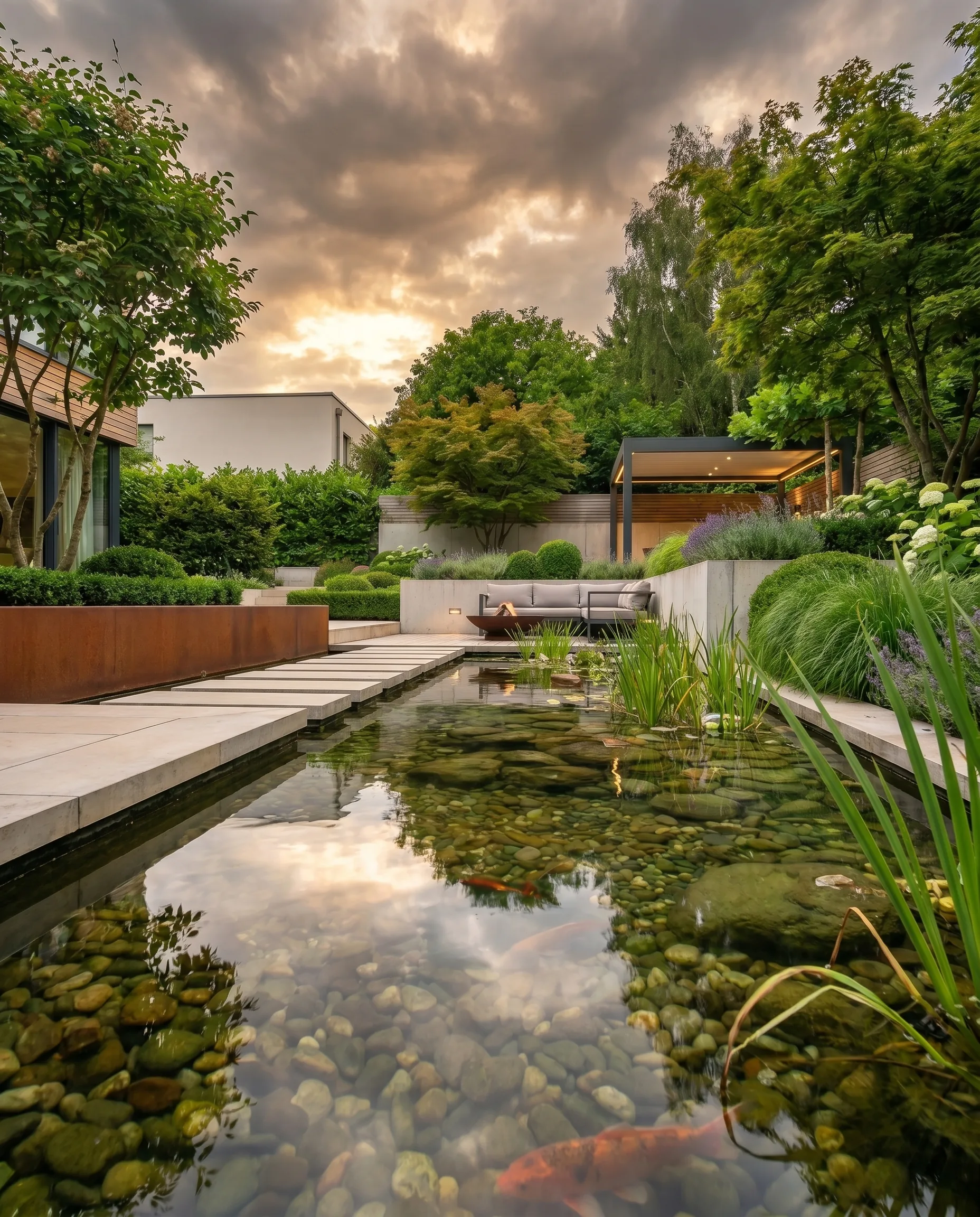
1. Define your goal
Think ahead about what you want to change:
- New patio or seating area?
- Transform an unused patch of lawn into a planting bed?
- Add a pool or pond?
- Privacy screening with plants or a pergola?
2. Upload the photo and choose a style
Most tools offer style categories such as:
- Modern / minimalist (clean lines, concrete, ornamental grasses)
- Natural garden / wild (native plants, pollinator-friendly)
- Mediterranean (lavender, gravel, terracotta)
- Japanese (bamboo, stones, Zen elements)
- Family-friendly (lawn, play equipment, low-maintenance beds)
3. Review and combine results
Generate multiple variations and save the best ones. Often no single version is perfect—but you can pull the best from different results: “The paving from image 2, the bed from image 4.”
4. Check your ideas against reality
Now it gets practical: Which elements from the AI visualization truly fit your budget, your soil, and the amount of maintenance you’re willing to do? Show the images to a landscaper as a conversation starter—it saves a lot of explaining.
Benefits and limitations of AI garden planning
Reasons to love it
- Fast and affordable: First ideas in minutes, often free or just a few euros
- A communication booster: Show partners, family, or your landscaper what you have in mind
- Unexpected inspiration: AI sometimes suggests combinations you’d never think of yourself
- Risk-free experimentation: No digging, no plants bought—see it first, then decide
What to keep in mind
- No precise scale: Distances, proportions, and size relationships are often off
- Unrealistic plant choices: AI frequently shows plants that won’t be hardy in your region
- Ignores soil conditions: AI can’t judge whether your soil is suitable for a pond or specific planting
- Missing legal considerations: Building codes, boundary setbacks, and permits aren’t part of AI image tools
Combine AI and classic garden planning—smartly
The most effective strategy is a two-stage approach:
- Idea generation with AI: Use photo-based tools for inspiration and visualization.
- Precision planning with scaled layout tools or a professional: For implementation, switch to true-to-scale tools like Garden Planner, SketchUp, or your trusted landscaper.
Think of the AI visualization as your “wish list”—the final planning document only comes in step two.
The fastest way to see it is to try it yourself: Upload a photo of your garden and try AI garden design for free — here’s how the entire process works in just a few minutes.
Frequently asked questions
Is AI garden design with a photo really free?
Many tools offer a free basic version with a limited number of generations—often three to five images per day or month. For heavier use, subscriptions typically cost between 5 and 20 euros per month. General AI tools like Bing Image Creator are completely free, but less specialized for gardens.
How realistic are AI-generated garden images?
The image quality is impressive, but not flawlessly true-to-life in every detail. Plants often look very natural, but structures like paving stones or fence posts can appear slightly distorted. As a mood image and source of inspiration, the results are excellent—just not suitable as a technical construction drawing.
Can I also use interior photos or floor plans?
Some tools accept floor plans or sketches in addition to photos. For the best image quality, however, real outdoor photos are the first choice. Floor-plan-based planning works better with classic garden planning programs that don’t rely on AI image generation but instead display scale and elements precisely.
What data is stored when I upload my photos?
That depends on the provider. Be sure to read the privacy policy before uploading photos—especially if your garden could reveal details about your home or location. Reputable providers disclose whether and how long photos are stored and whether they are used to train AI models. When in doubt, you can blur visible house numbers or neighboring buildings before uploading.
Plan your own garden
Upload a photo of your garden and get a professional AI concept in minutes.
Start for freeMore articles from AI in the Garden
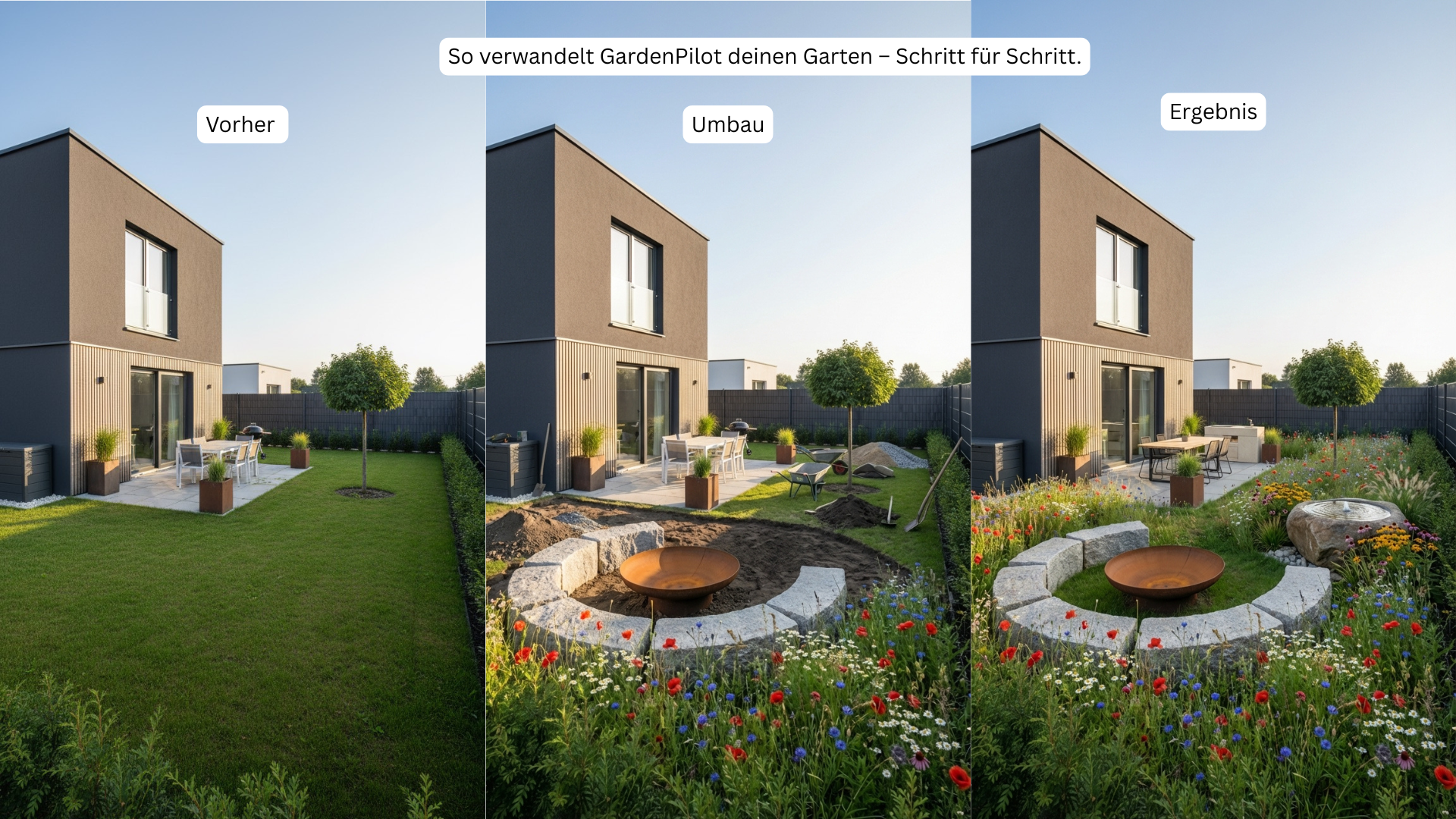
Garden Planning Step by Step – The Optimized GardenPilot Process
Learn how to plan your garden step by step with a clear structure, AI analysis, and realistic costs. Perfect for DIY projects and professional implementation.
Redesign Your Garden in 2025: AI Planning & DIY Execution (Costs & Steps)
No more mistakes with your garden makeover: get your personalized plan instantly—complete with a cost breakdown, before/after visions, and detailed DIY instructions from GardenPilot.